





Skip to content
View in the app

A better way to browse. Learn more.

ResHax

A full-screen app on your home screen with push notifications, badges and more.

To install this app on iOS and iPadOS
  1. Tap the Share icon in Safari
  2. Scroll the menu and tap Add to Home Screen.
  3. Tap Add in the top-right corner.
To install this app on Android
  1. Tap the 3-dot menu (⋮) in the top-right corner of the browser.
  2. Tap Add to Home screen or Install app.
  3. Confirm by tapping Install.
Help us keep the site running.
Zero Tolerance for Disrespect

The Last of Us Part 2 Remastered [PC] 1.0.0

(1 review)

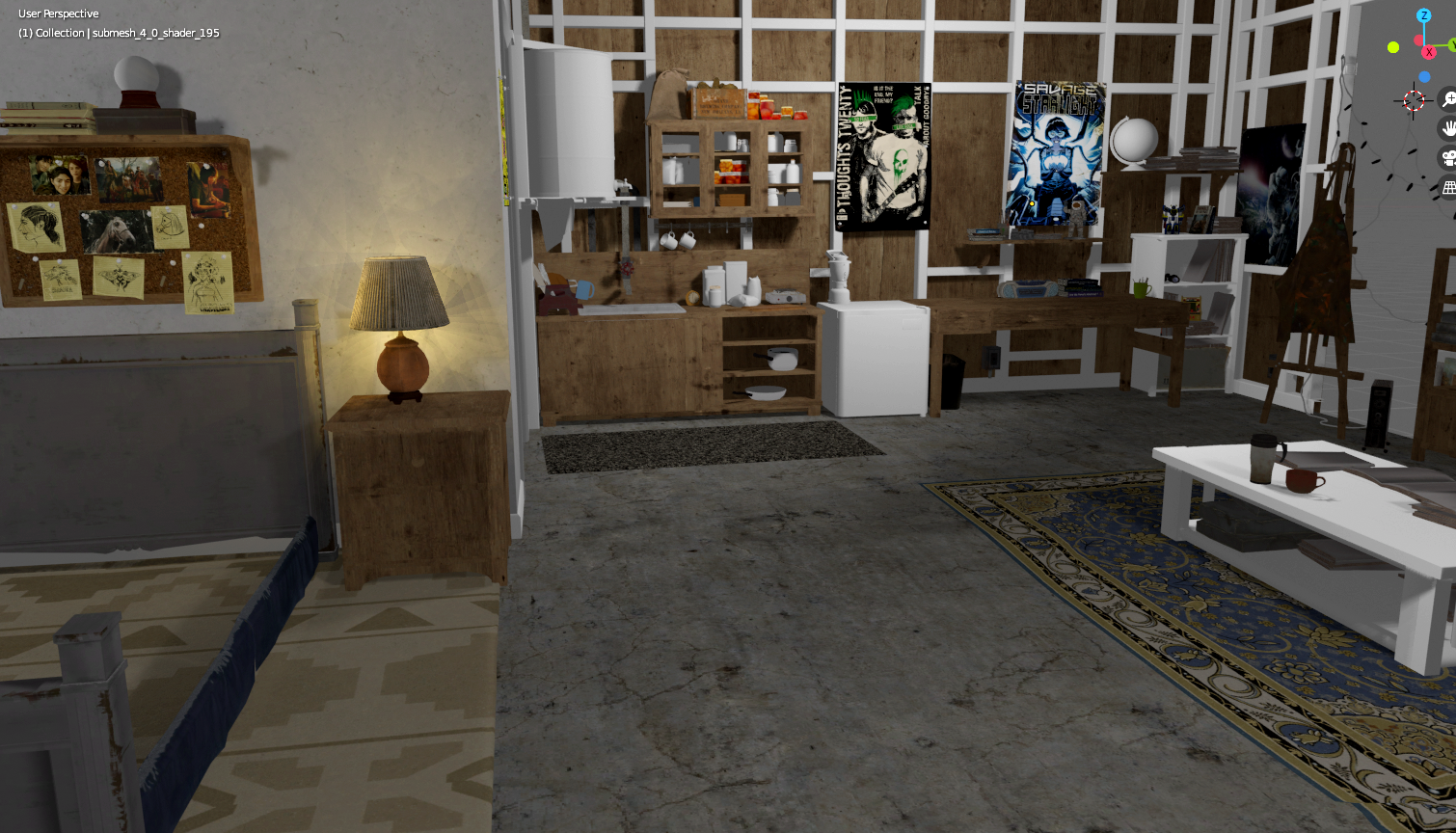
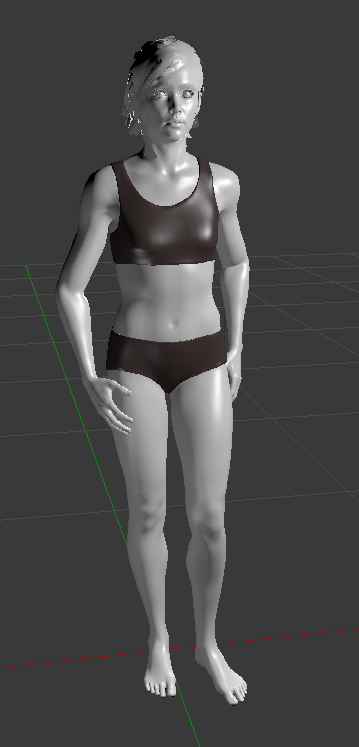
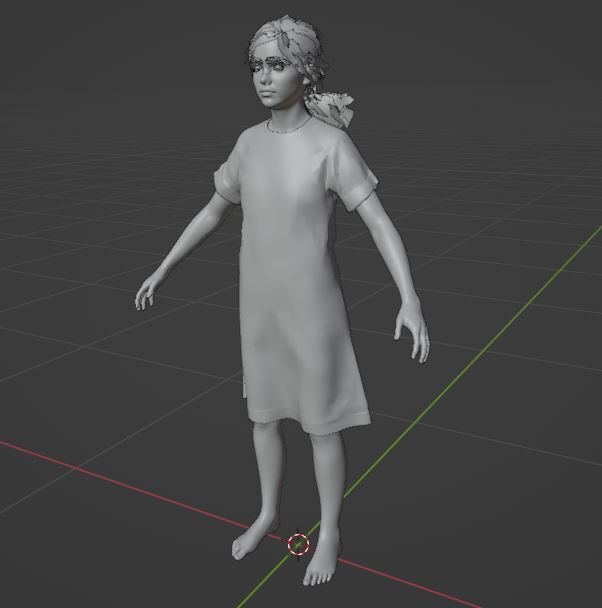
3 Screenshots

My old tool for TLOU2 PS4 fixed to work with PC files.

Unpack .psarc files with UnPSARC_v2.7, and then you can use any .PAK file with the tool. Use command line, or just drop .PAK file onto the .exe

Work same as old tool, described here:
https://web.archive.org/web/20230819184855/https://forum.xentax.com/viewtopic.php?t=22580

After extraction, model and skeleton are in separate files. So they must be manually combined to work together. SMD model & skeleton can be just imported separately and then connected in blender. For ascii it will not work, so you have to open model in text editor, remove first line (0), which is bone number, and copy-paste skeleton there instead of that zero.

So far tested on models, textures, maps - all looks fine.

Animations are probably wrong, i can look into that later.

Edited by id-daemon


Game Name

The Last of Us 2

User Feedback

Create an account or sign in to leave a review

Account

Navigation

Search

Search

Configure browser push notifications

Chrome (Android)
  1. Tap the lock icon next to the address bar.
  2. Tap Permissions → Notifications.
  3. Adjust your preference.
Chrome (Desktop)
  1. Click the padlock icon in the address bar.
  2. Select Site settings.
  3. Find Notifications and adjust your preference.

