




Skip to content
View in the app

A better way to browse. Learn more.

ResHax

A full-screen app on your home screen with push notifications, badges and more.

To install this app on iOS and iPadOS
  1. Tap the Share icon in Safari
  2. Scroll the menu and tap Add to Home Screen.
  3. Tap Add in the top-right corner.
To install this app on Android
  1. Tap the 3-dot menu (⋮) in the top-right corner of the browser.
  2. Tap Add to Home screen or Install app.
  3. Confirm by tapping Install.
Help us keep the site running.
Zero Tolerance for Disrespect

God of War Ragnarok [PS4] model tool 1.1.0

(1 review)

2 Screenshots

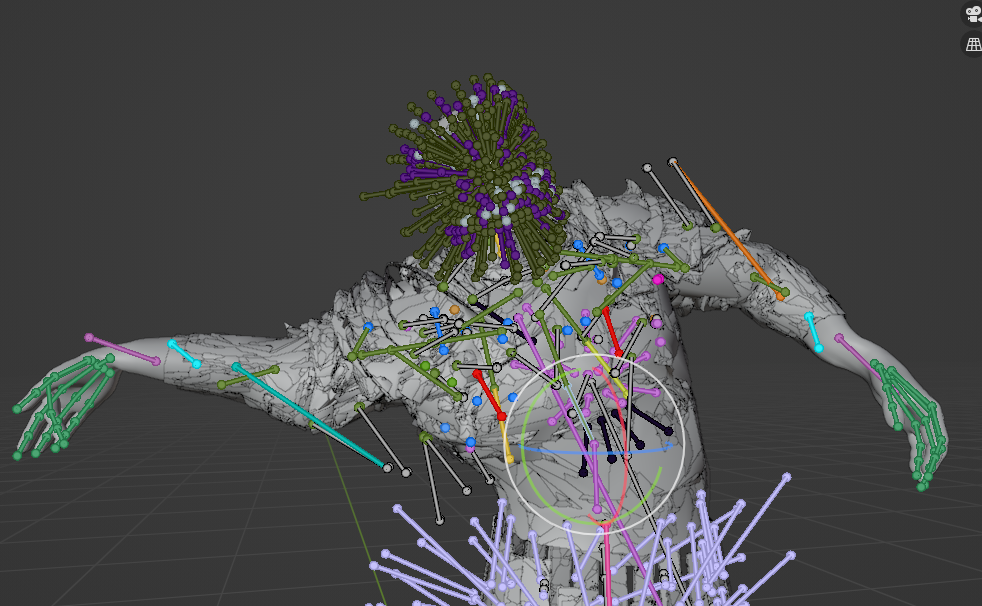
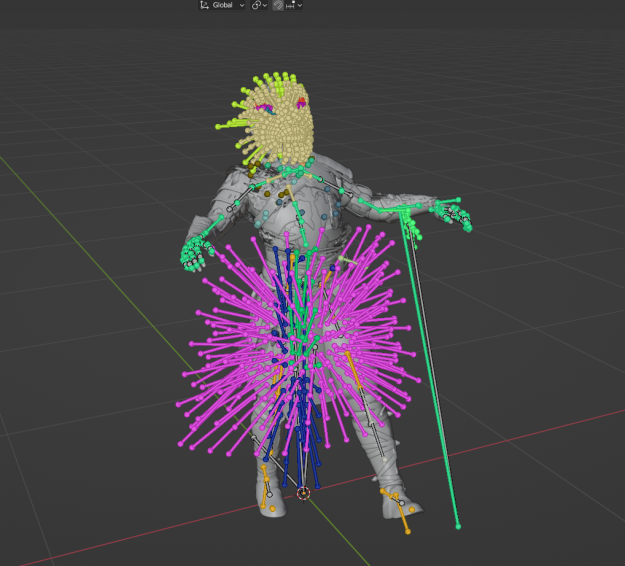
God of War Ragnarok tool. Allows to export characters with bones/weights.

First, extract WAD file of a character/model you need with Hitmanhimself's tool.

This tool also needs config.ini from hitman's tool to find game files. It must be in the same folder.

Run the tool with 4 parameters:

GOW <proto> <MESH> <MG> <MG_gpu>

It means 4 corresponding files for that character or weapon etc.

For example for Kratos these names are:

goProtoheroa00---16058.bin
MESH_heroa00_0---14763.bin
MG_heroa00_0---14766.bin
MG_heroa00_0_gpu---14762.bin


What's New in Version 1.1.0

Released

Fixed weights bug on some models.


Game Name

God of War Ragnarok

User Feedback

Create an account or sign in to leave a review


is there a tool like this for the PC version because the files are different for that one

image.png

Account

Navigation

Search

Search

Configure browser push notifications

Chrome (Android)
  1. Tap the lock icon next to the address bar.
  2. Tap Permissions → Notifications.
  3. Adjust your preference.
Chrome (Desktop)
  1. Click the padlock icon in the address bar.
  2. Select Site settings.
  3. Find Notifications and adjust your preference.

