




Skip to content
View in the app

A better way to browse. Learn more.

ResHax

A full-screen app on your home screen with push notifications, badges and more.

To install this app on iOS and iPadOS
  1. Tap the Share icon in Safari
  2. Scroll the menu and tap Add to Home Screen.
  3. Tap Add in the top-right corner.
To install this app on Android
  1. Tap the 3-dot menu (⋮) in the top-right corner of the browser.
  2. Tap Add to Home screen or Install app.
  3. Confirm by tapping Install.
Help us keep the site running.
Zero Tolerance for Disrespect

Hex2Obj 0.24e

(1 review)

2 Screenshots

The "Download this file" button links to the old version (which I can't get rid of). Download the appended zip file instead!

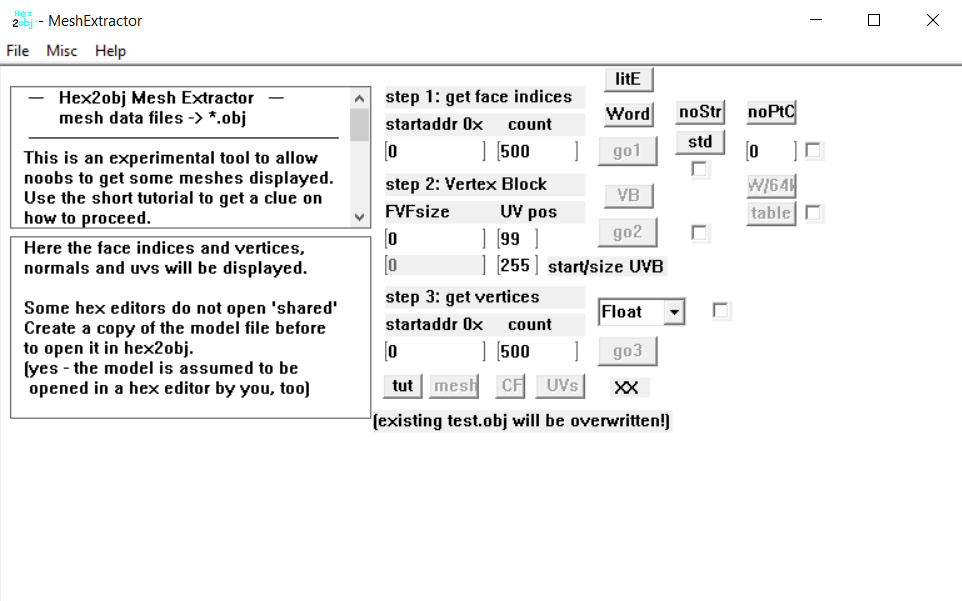
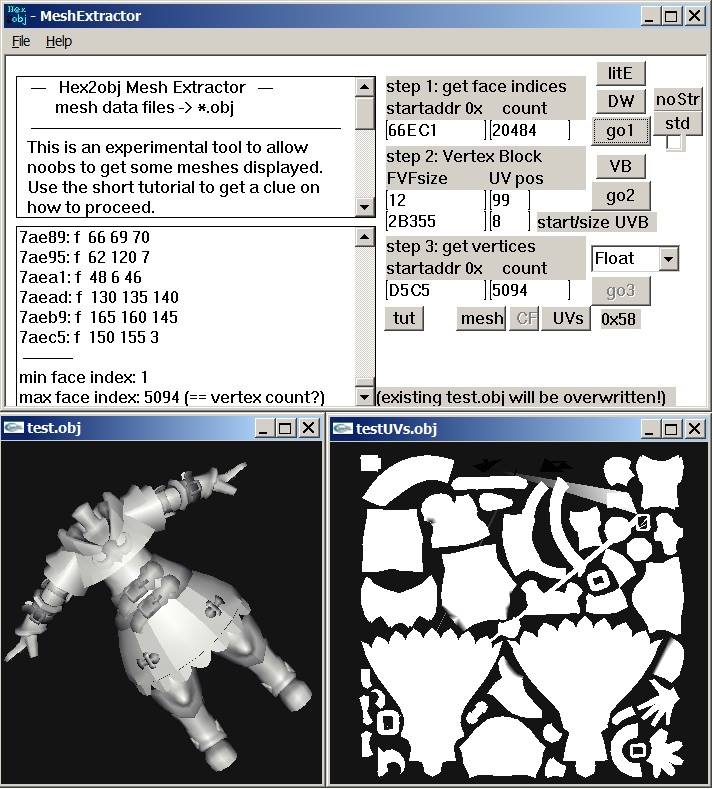
This tool is meant to take the mesh data from the mesh you want to convert into OBJ (you have to load the model file into the program). You will also have to use a hex editor to find the model's mesh data offsets and counts and then copy them into hex2obj. Depending on these parameters it will convert the hex data into an OBJ file (File/SaveAs mesh) that you can then import into your preferred 3D Program (3DS Max, Blender, Maya, etc)
 

hex2obj_0.25b.zip

Edited by shak-otay
update


Game Name

All Games

User Feedback

Create an account or sign in to leave a review

(edited)


Very good tool!

Is this the latest version?

From Zenhax or Xentax I got Hex2Obj v0.25a.

Edited by lorak

Account

Navigation

Search

Search

Configure browser push notifications

Chrome (Android)
  1. Tap the lock icon next to the address bar.
  2. Tap Permissions → Notifications.
  3. Adjust your preference.
Chrome (Desktop)
  1. Click the padlock icon in the address bar.
  2. Select Site settings.
  3. Find Notifications and adjust your preference.

