





D\W Interactive tool.
Designed for the game,
"Small soldiers: Squad commander"
Introduction:
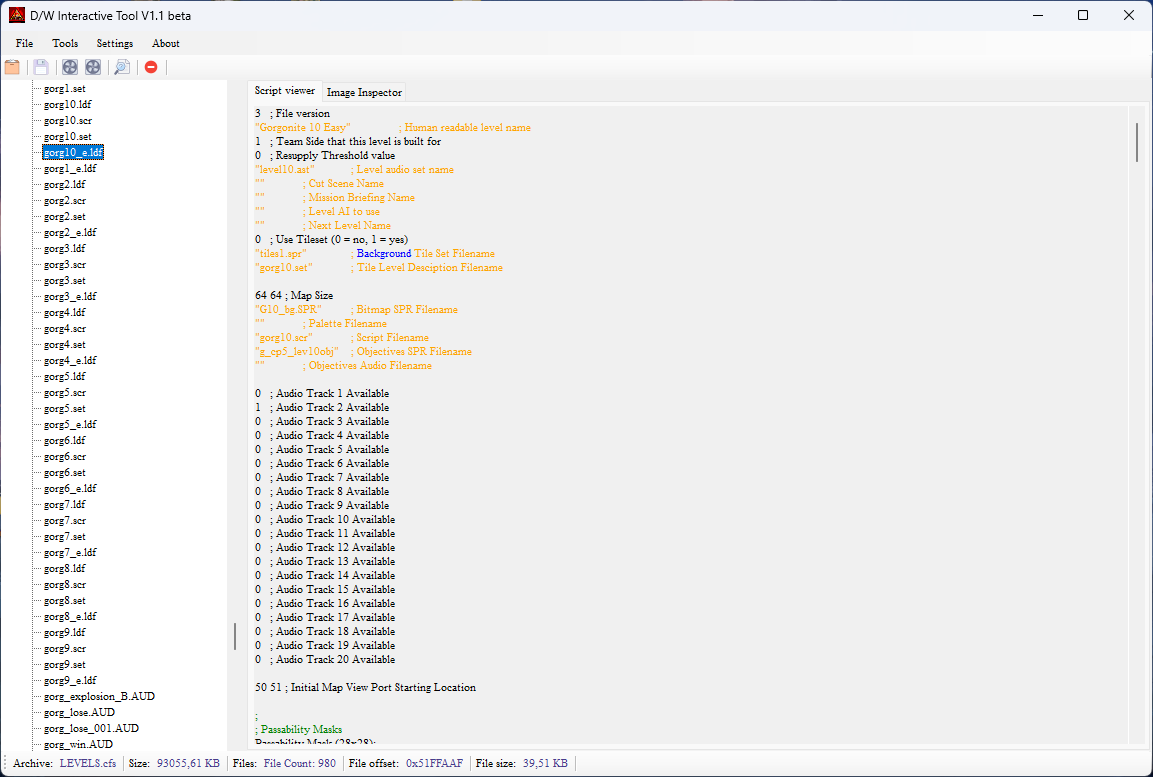
This modding tool was designed for the game Small Soldiers: Squad Commander. It allows users to access the contents of .cfs archive files — to extract, rebuild, and manage them. Additionally, it enables you to open and edit script files, and save the modified archive. This version of the program comes with a powerful searcher and scripter.
Compatibility:
The demo and full versions of the game both use the same .cfs archive with an identical structure, but there are some differences in the script file formats. I wanted to improve my tool significantly, so I updated it to fully support script files from both the demo and full versions.
Information:
For more information, please visit my website: www.theoutforce.hu.
Knowing issues:
The only problem I have is with the .spr and .SPR files. Watto helped me with the .spr files, but the reader part of this format is still problematic, since I still do not know that how the game stores the .pal “palettes”. There are no any .pal files in the archives, which suggests that the palettes are hardcoded somewhere in the game .exe file… More investigation and deeper reasearch are needed.
Extra information:
A native Linux version of this program will also be developed soon using Qt Creator.
Stay tuned for updates, as a new release will be available soon!
Special thanks to:
Watto (cfs, aud, asf structure)
Krisztian Kispeti, Dev.
Web: www.theoutforce.hu
Edited by Krisztian1990
new, GUI version will be updated soon, and the name of the program will be changed.
What's New in Version 1.2 beta
Released
// DW interactive tool V1.2.x.x
{V 1.2 beta}
[Additions:]
+ Script exporter has been added!
+ Icons have been added!
[Improvements:]
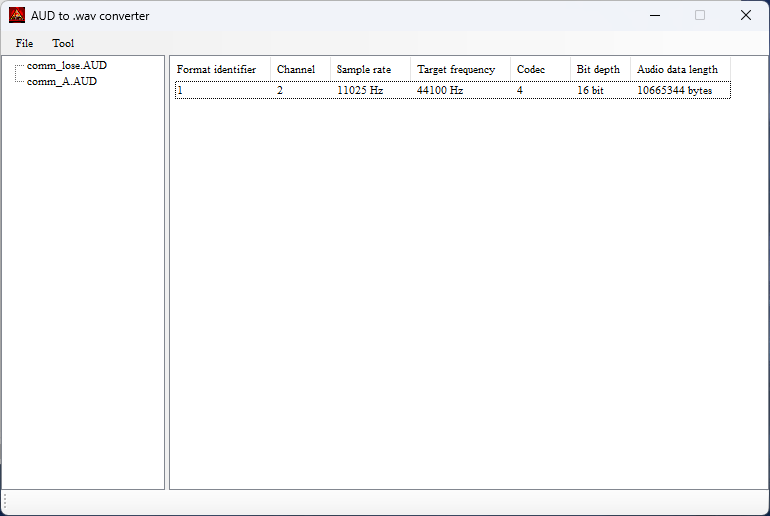
! You can access the content of the AUD archives from *.cfs archives, and
convert and extract the selected AUD file.
! Code cleaned, program runs smoother.
! Support for ast archives!
[Fixes:]
* I fixed an issue related to listView1 that caused it not be cleared after
loading a new file.
* A bug fix was also made to the TreeView on the AUD Converter form.
// PREVIOUS EDITIONS
{V 1.1 beta}
[Additions:]
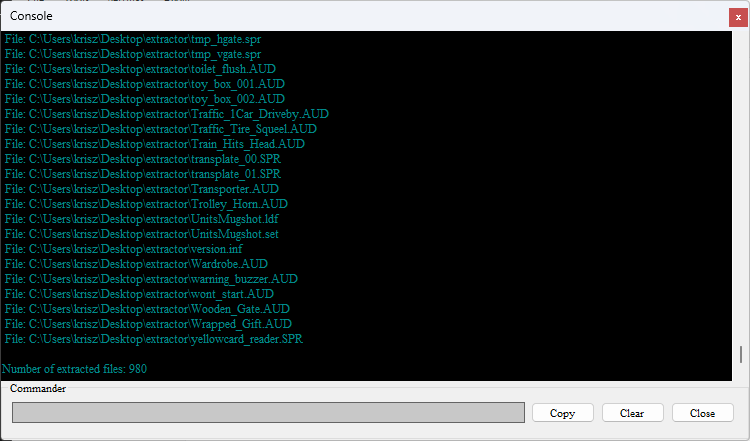
+ Console has been added!
+ GUI redesigned!
+ Settings has been addded!
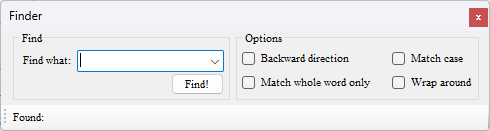
+ Finder has been added!
+ cfs archive builder finally implemented!
+ Added highlighter for the script editor!
+ AUD to Wav converter has been added!
[Improvements:]
* Finder and settings form finally implemented.
* Full support for all the script files ().
! Code cleaned. Program runs smoother.
[Fixes:]
* Fixed an issue that caused that some script files won't display correctly
in the script editor. It is because some of them was designed for the demo
version of the game, but the devs used them in the full version as well. Now,
my program support both versions...
* Fixed a Finder open-close-related issue.
* Fixed an cfs archive reader-related issue.
* Fixed cfs archive structure (final).
//-------------------------------------------------------------------------------
PREVIOUS VERSIONS
{V 1.0 Initial edition.}
[Additions:]
+ Full support for the .cfs archives.
+ cfs extractor: selected file, entire archive.
+ cfs archive information.
[Improvements:]
+ Now you can display and read the content of the double clicked
.inf, .set, .ldf, .map, .scr, .udf, .ddf, .cdf
Create an account or sign in to leave a review
There are no reviews to display.