





Skip to content
View in the app

A better way to browse. Learn more.

ResHax

A full-screen app on your home screen with push notifications, badges and more.

To install this app on iOS and iPadOS
  1. Tap the Share icon in Safari
  2. Scroll the menu and tap Add to Home Screen.
  3. Tap Add in the top-right corner.
To install this app on Android
  1. Tap the 3-dot menu (⋮) in the top-right corner of the browser.
  2. Tap Add to Home screen or Install app.
  3. Confirm by tapping Install.
Help us keep the site running.

Horizon Forbidden West [PC] Model import tool 0.7

(0 reviews)

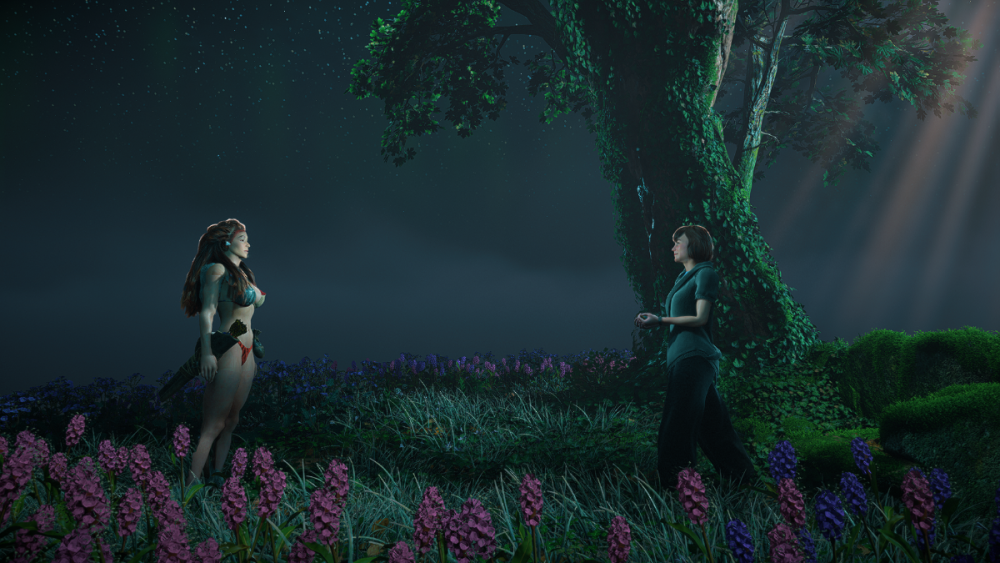
1 Screenshot

Work in progress, build 0.7

For instructions and support join reshax discord: https://reshax.com/topic/138-reshax-discord-server

Currently, we must be able to replace any mesh in the game, including Aloy and other characters, robots, or environment parts. Also possible to replace most textures.
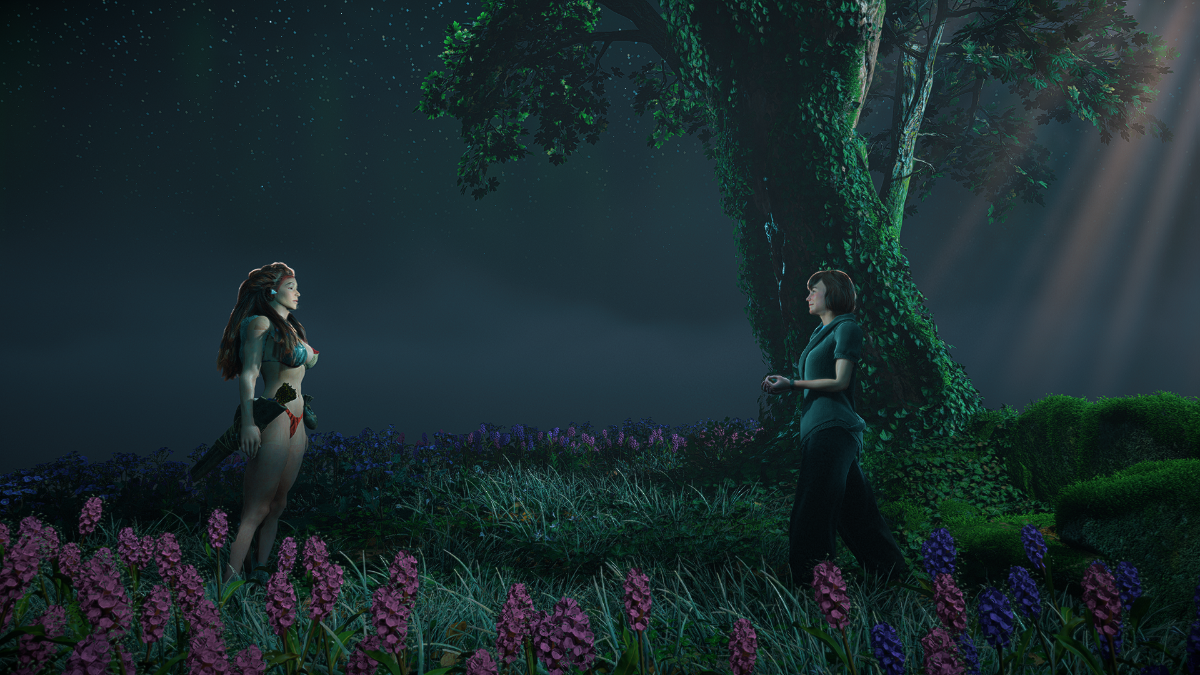
f1b4e73c3a34541d.png

Edited by id-daemon

What's New in Version 0.7

Released

Version to fix furs:
- supports vertex colors
- vertex normals fix


Game Name

Horizon Forbidden West

User Feedback

Create an account or sign in to leave a review

There are no reviews to display.

Account

Navigation

Search

Search

Configure browser push notifications

Chrome (Android)
  1. Tap the lock icon next to the address bar.
  2. Tap Permissions → Notifications.
  3. Adjust your preference.
Chrome (Desktop)
  1. Click the padlock icon in the address bar.
  2. Select Site settings.
  3. Find Notifications and adjust your preference.

