





Skip to content
View in the app

A better way to browse. Learn more.

ResHax

A full-screen app on your home screen with push notifications, badges and more.

To install this app on iOS and iPadOS
  1. Tap the Share icon in Safari
  2. Scroll the menu and tap Add to Home Screen.
  3. Tap Add in the top-right corner.
To install this app on Android
  1. Tap the 3-dot menu (⋮) in the top-right corner of the browser.
  2. Tap Add to Home screen or Install app.
  3. Confirm by tapping Install.
Help us keep the site running.
Zero Tolerance for Disrespect

Watch Dogs Legion 1.0.0

(1 review)

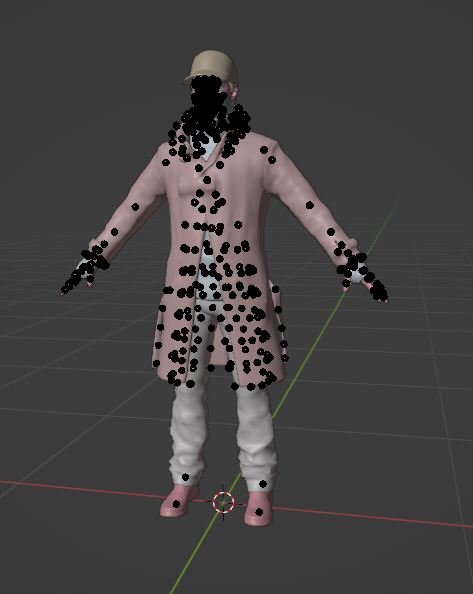
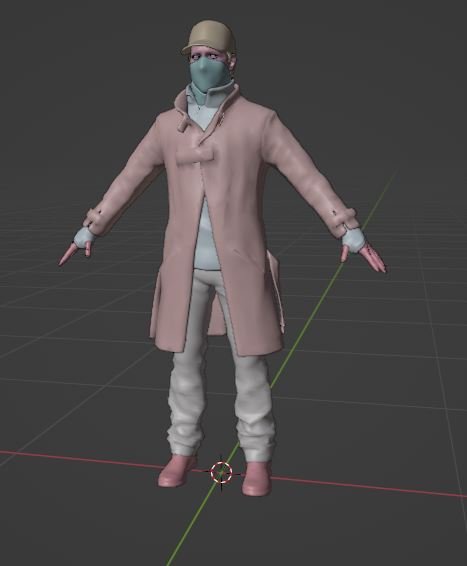
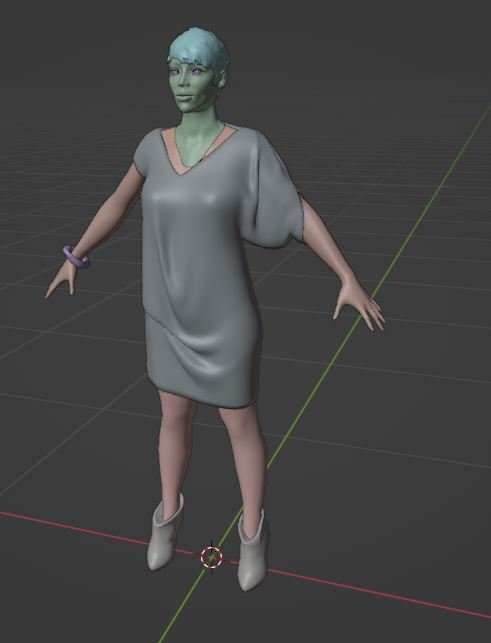
3 Screenshots

Tool for .glm files - plaintext source models from their engine, found in the leak

Usage: from .glm file on the tool or use command line or batch

It will convert to .smd because model structure is closer to that format, used in older games

Edited by id-daemon


Game Name

Watch Dogs Legion

User Feedback

Create an account or sign in to leave a review


Hey! I'm not sure if this is the right place to ask, or if you still check this, but whenever I extract the files through Unpacklegion, I get .bin files. I don't know what to do with them or how to get the .glm files. I know your tool works, but I'm missing that step. I was hoping you could help me with that 🙂

Response from the author:

You also need a filelist (for UnpackLegion.exe) to get proper filenames

Account

Navigation

Search

Search

Configure browser push notifications

Chrome (Android)
  1. Tap the lock icon next to the address bar.
  2. Tap Permissions → Notifications.
  3. Adjust your preference.
Chrome (Desktop)
  1. Click the padlock icon in the address bar.
  2. Select Site settings.
  3. Find Notifications and adjust your preference.

