





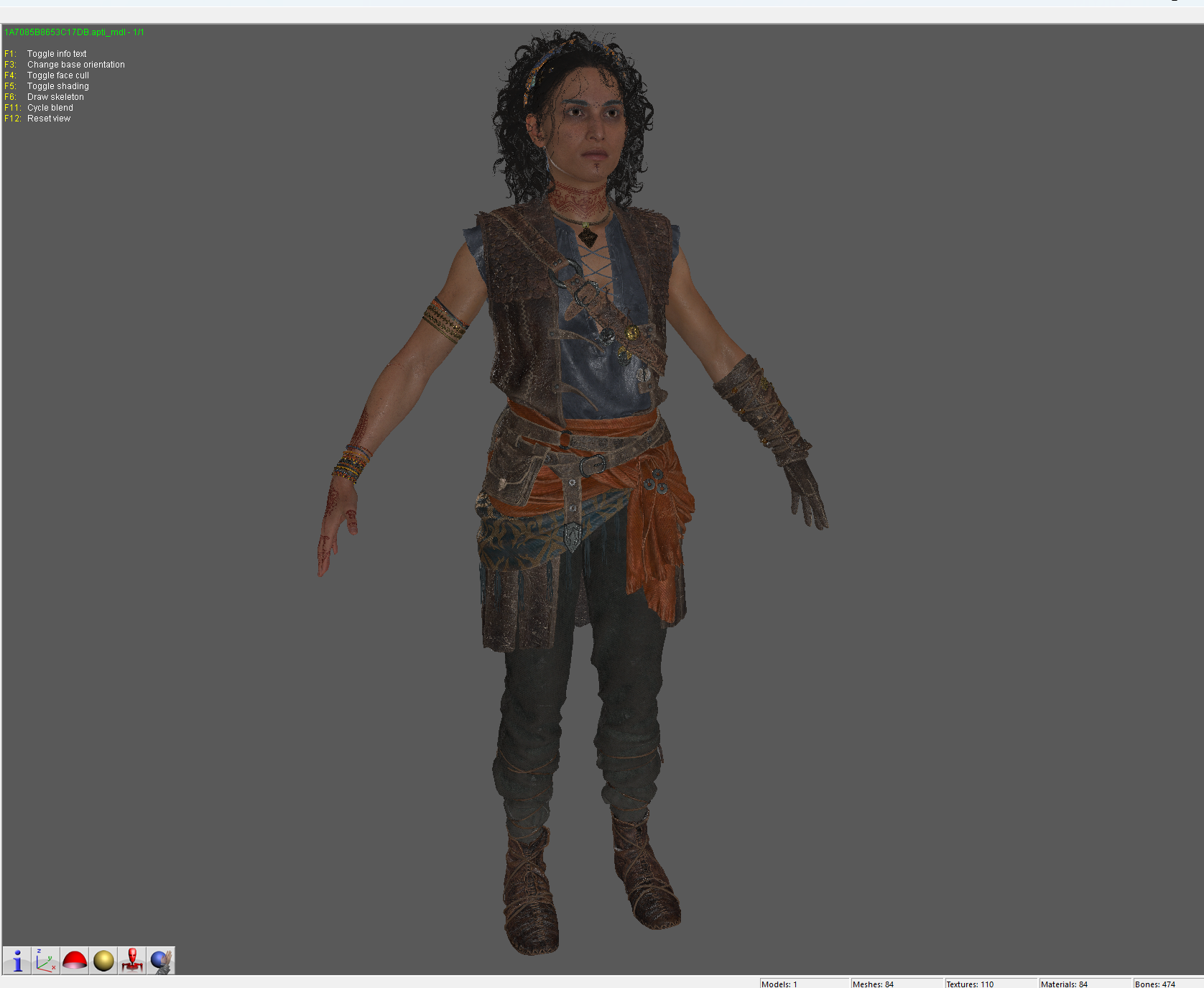
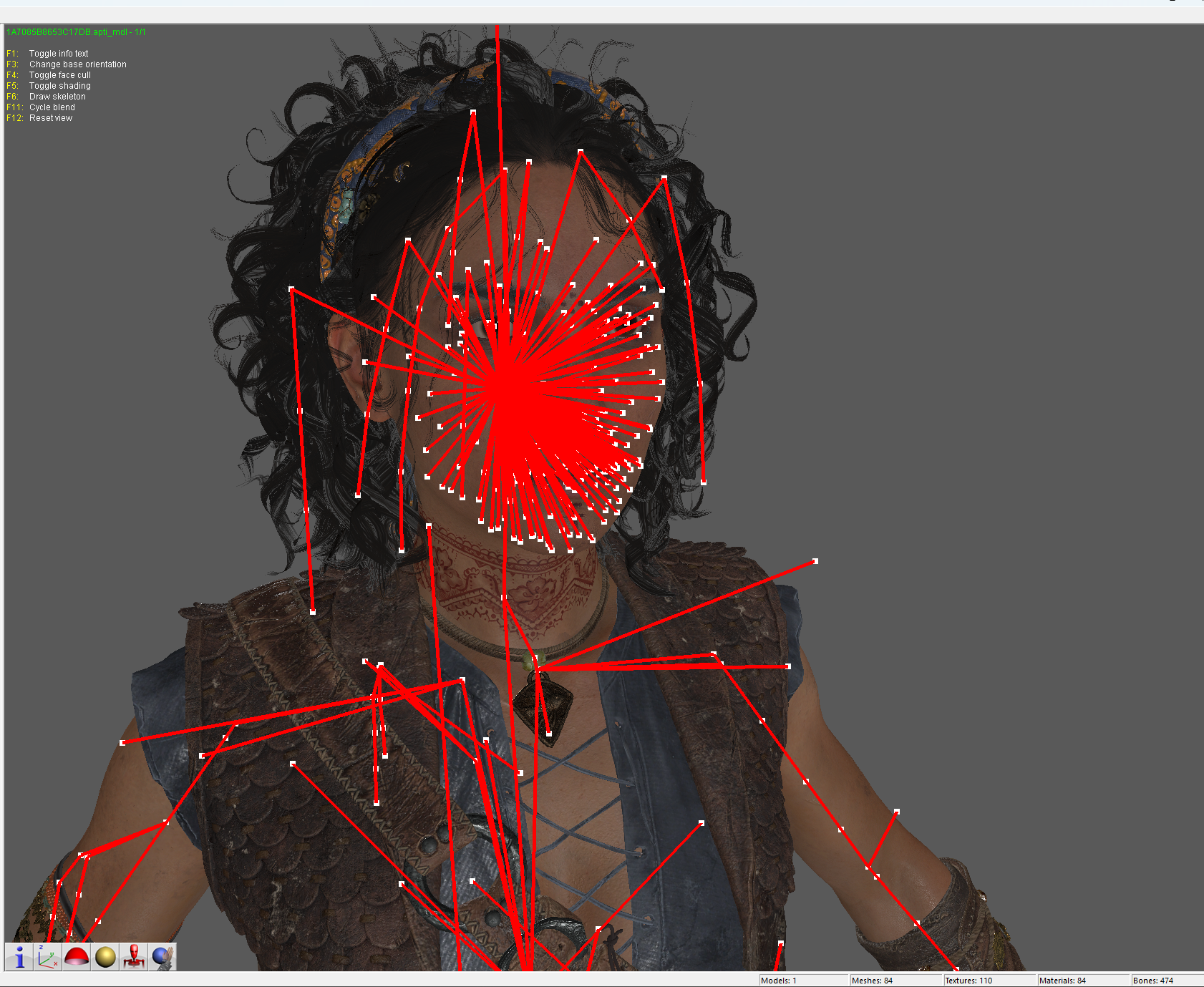
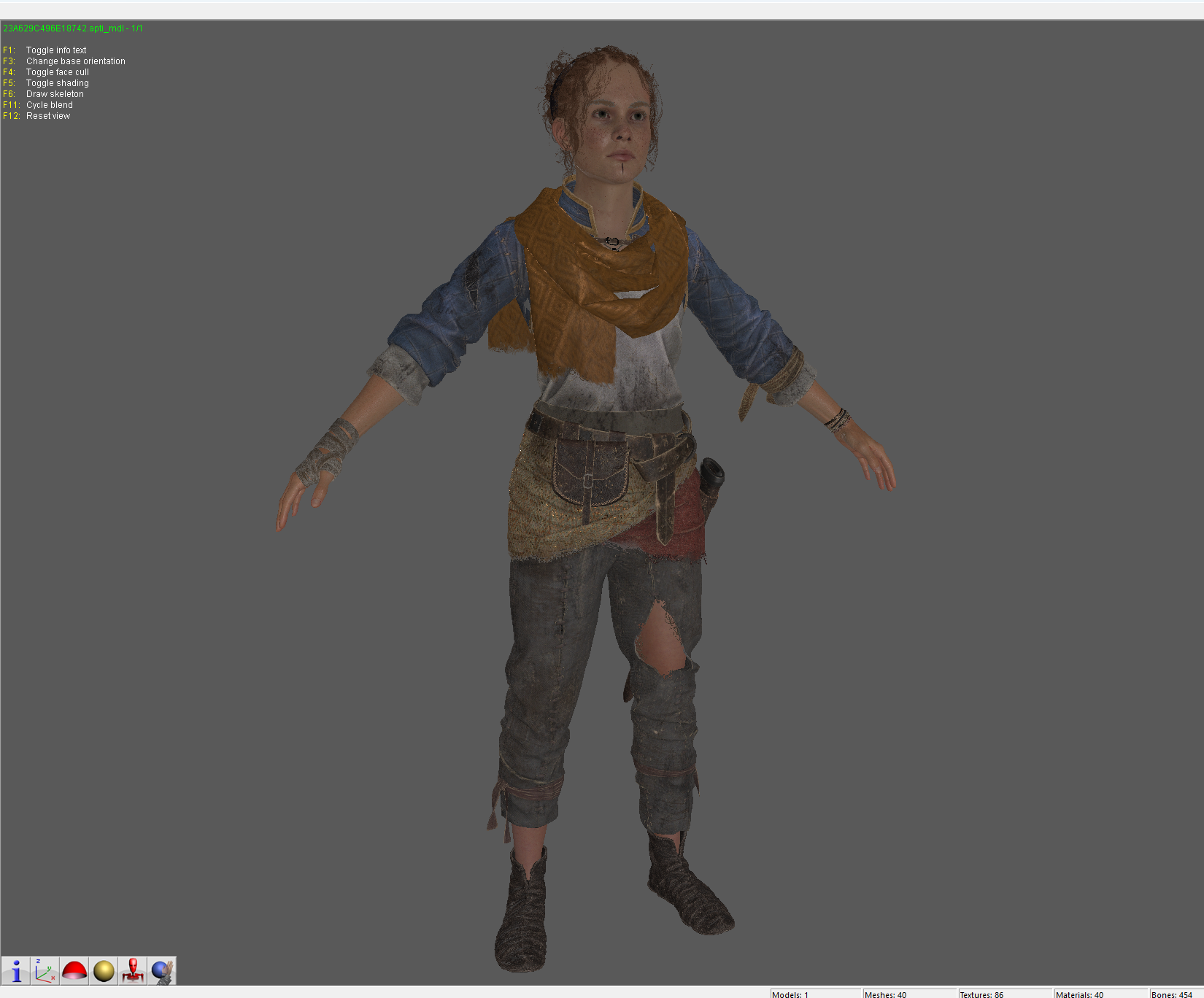
Tools to extract models from Resonance a Plague Tale Legacy
The game is different from previous titles in that most character models do not have dedicated DPC files anymore. They are stored inside level DPCs. Therefore this will not load DPC directly, you have to unpack them before.
Requires: Python, Noesis
First run ResonanceAPlagueTaleLegacy_DPC_Extractor.py like this:
python ResonanceAPlagueTaleLegacy_DPC_Extractor.py "C:\...\Resonance A Plague Tale Legacy\DATAS\P_THESEUS.DPC" --common "C:\...\Resonance A Plague Tale Legacy\DATAS\COMMON.DPC"so
python ResonanceAPlagueTaleLegacy_DPC_Extractor.py "Character/Level.DPC Path" --common "COMMON.DPC Path"The reason you define COMMON.DPC is that most archives cross reference with this file and require it to dump all their parts.
For models you can install the script into Noesis\Plugins\Python and either load single meshes or mdl files.
It is recommended to load MDL files! These are the assembled characters with skeleton and materials.
Supported:
Normals
Textures
Weights
Bones
This set was assisted by AI coding. If you are against AI do not use this.
Based on DPC research by Amr Shaheen for APT_DPC_Tool
Edited by LinteX
Game Name
-
 1
1
Create an account or sign in to leave a review
There are no reviews to display.