





Skip to content
View in the app

A better way to browse. Learn more.

ResHax

A full-screen app on your home screen with push notifications, badges and more.

To install this app on iOS and iPadOS
  1. Tap the Share icon in Safari
  2. Scroll the menu and tap Add to Home Screen.
  3. Tap Add in the top-right corner.
To install this app on Android
  1. Tap the 3-dot menu (⋮) in the top-right corner of the browser.
  2. Tap Add to Home screen or Install app.
  3. Confirm by tapping Install.
Help us keep the site running.
Zero Tolerance for Disrespect

Spider-man 2 [PS5] 1.0.2

(4 reviews)

1 Screenshot

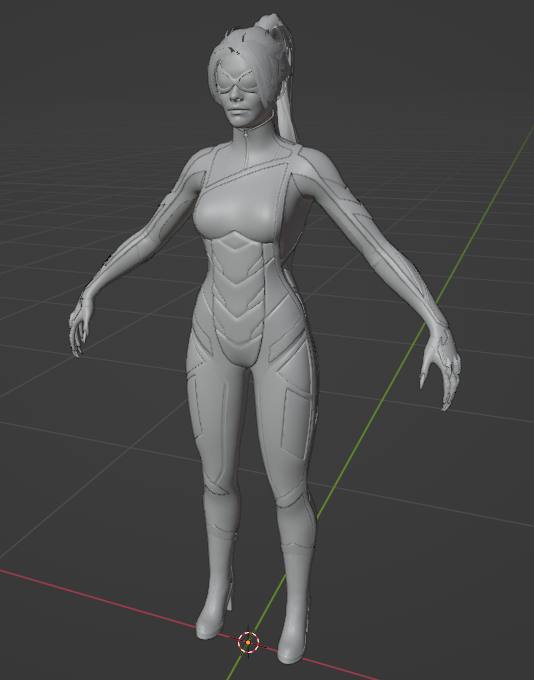
Spiderman 2 (PS5) tool. Models & textures (most of them) supported now

Correct INI file for the folder where you have game data files. Be sure that folder name has 'PS5' in its name.
Then run some of these commands:

1. spiderman2 99807473A3981A8D - will extract that asset
2. spiderman2 99807473A3981A8D c:\spider\iw - will extract asset into folder with name you specified
3. spiderman2 list.txt - will extract ALL assets in list

asset lists you can find in discord

you can also edit "list.txt" to give assets any names/folders/drives you want
tool will work based on HASHES (not names), names are given for reference

What's New in Version 1.0.2

Released

Fixed crash on static models.


Game Name

Spider-man 2

User Feedback

Create an account or sign in to leave a review


 Me gustaría saber si existe un videotutorial de como utilizar esta herramienta o si alguien me pudiera ayudar con una explicación, soy nuevo en esto y me gustaría extraer los modelos de Marvel Spiderman


   2 of 2 members found this review helpful 2 / 2 members

Impressive as always Daemon, Thank you👍

   2 of 2 members found this review helpful 2 / 2 members

 Huge thanks, now we have something to do😊😊😊

   3 of 3 members found this review helpful 3 / 3 members

Epic!

Account

Navigation

Search

Search

Configure browser push notifications

Chrome (Android)
  1. Tap the lock icon next to the address bar.
  2. Tap Permissions → Notifications.
  3. Adjust your preference.
Chrome (Desktop)
  1. Click the padlock icon in the address bar.
  2. Select Site settings.
  3. Find Notifications and adjust your preference.

