





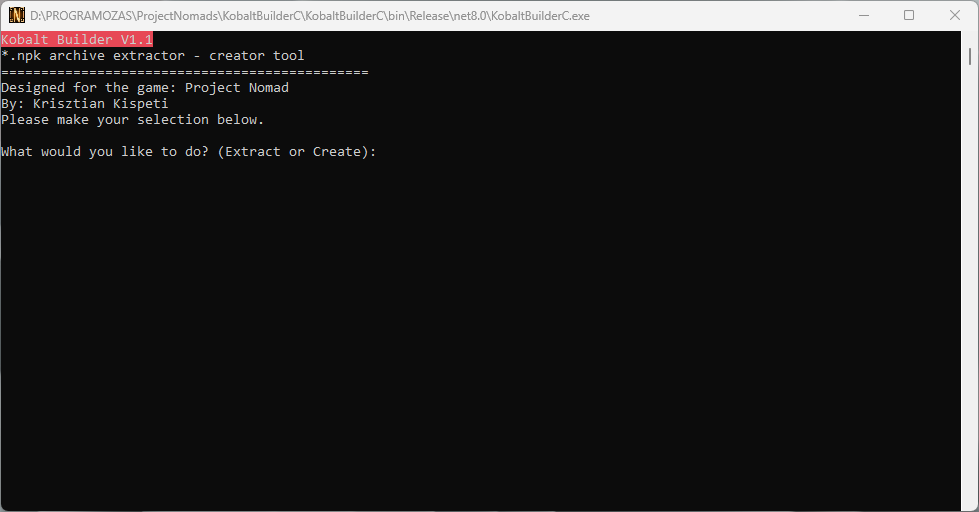
KobaltBuilder V1.0 Console
With this console line application, you can extract the *.npk file or create it that the Project Nomad
game engine can handle.
Functions:
Type "Extract" to extract the content of *.npk archives or "Create" to create such an archive. To create
*.npk archive put the files in the ToCreate folder. (You need to create this folder!)
1.) ShowFiles: This command will list all the files found in the npk archive
2.) Extract: This will extract you the selected file. The files will be placed in a folder that the
program will creates automatically.
3.) ExtractArchive: This command will extract the entire archive. The files will be placed in a folder that the
program will creates automatically.
This program will be updated soon! In addition, I started to working on the GUI version with more features!
What's New in Version 1.1
Released
// Kobalt Builder V1.1
// *.npk archive extractor - builder tool.
// Designed for the game "Project Nomad"
Fixes:
1.) I have managed to fix several extraction-related issues.
2.) I have fixed the archive creator function.
3.) Fixed an extraction function-related issue that caused extracted files were placed in wrong folders.
Added:
*Hungarian documentation
Upcoming Updates:
*Polish documentation will be added.
Please read the attached Readme.txt file!
Create an account or sign in to leave a review
There are no reviews to display.