





Skip to content
View in the app

A better way to browse. Learn more.

ResHax

A full-screen app on your home screen with push notifications, badges and more.

To install this app on iOS and iPadOS
  1. Tap the Share icon in Safari
  2. Scroll the menu and tap Add to Home Screen.
  3. Tap Add in the top-right corner.
To install this app on Android
  1. Tap the 3-dot menu (⋮) in the top-right corner of the browser.
  2. Tap Add to Home screen or Install app.
  3. Confirm by tapping Install.
Help us keep the site running.
Zero Tolerance for Disrespect

FFXVI (Final Fantasy 16) models 1.0.0

(5 reviews)

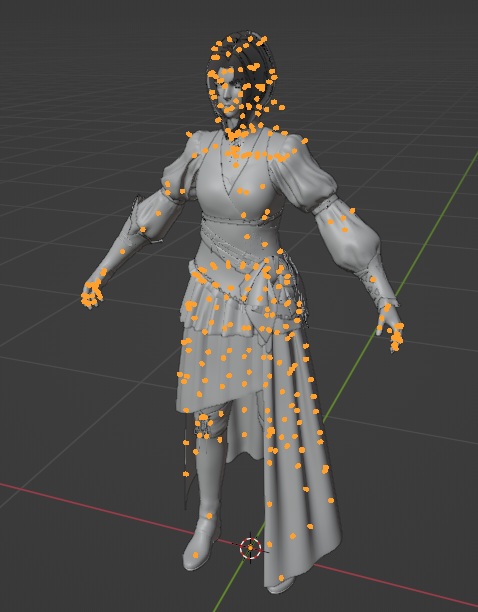
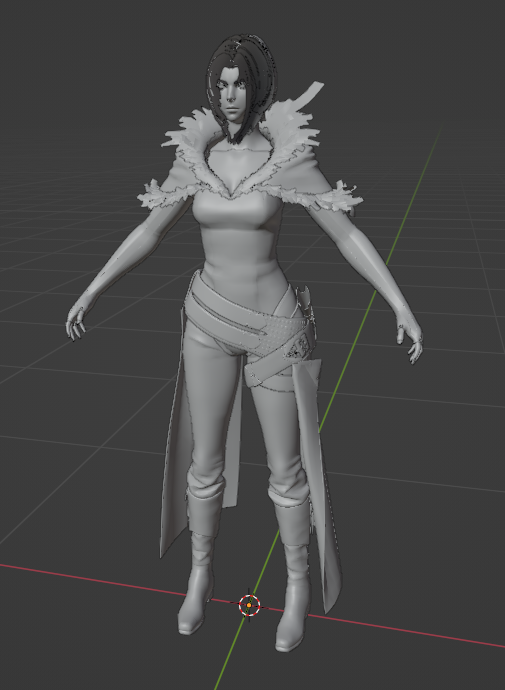
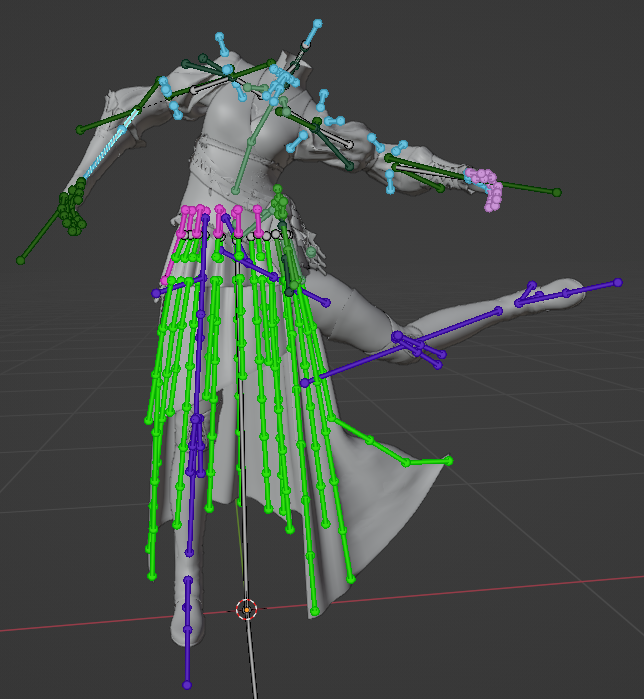
3 Screenshots

Tool for FFXVI (Final Fantasy 16) models.

So far it must support all (or almost all) models from "chara" folder. Static map parts may also work. Did not test much of the others.

Requires 1 or 2 parameters. Usage:

FF16.exe <mdl> <pac>

2nd parameter is needed for skeletons. If you don't provide .PAC file, model will be exported as static mesh. The PAC file for character group is in its corresponding "pack" folder.


Game Name

Final Fantasy 16

User Feedback

Create an account or sign in to leave a review

   0 of 2 members found this review helpful 0 / 2 members

Neat!

   6 of 7 members found this review helpful 6 / 7 members

Works as intended on how it's supposed to run.

For those that are unable to figure out how it works.
 

Quote

FF16.exe <body_base.mdl file> <c####.pac file>

For people that are unable to comprehand on where the "pac" files are stored, here's an example from Clive's model.
Chara>c1001>pack>c1001.pac

   1 of 4 members found this review helpful 1 / 4 members

Thanks, I didn't expect to see tools for FF16 so soon.  Thank you for your time and hard work. I have benefited a lot from many of the tools you provided in the past. Thank you again^^7

   0 of 4 members found this review helpful 0 / 4 members

Works as intended

(edited)

   3 of 15 members found this review helpful 3 / 15 members

Until I figure it out how it works I am giving it a 1 star. It makes it even worst that the creator of this tool left the conversation of the DMs. Not helpful at all. 👎

Edited by espada9000

Account

Navigation

Search

Search

Configure browser push notifications

Chrome (Android)
  1. Tap the lock icon next to the address bar.
  2. Tap Permissions → Notifications.
  3. Adjust your preference.
Chrome (Desktop)
  1. Click the padlock icon in the address bar.
  2. Select Site settings.
  3. Find Notifications and adjust your preference.

