





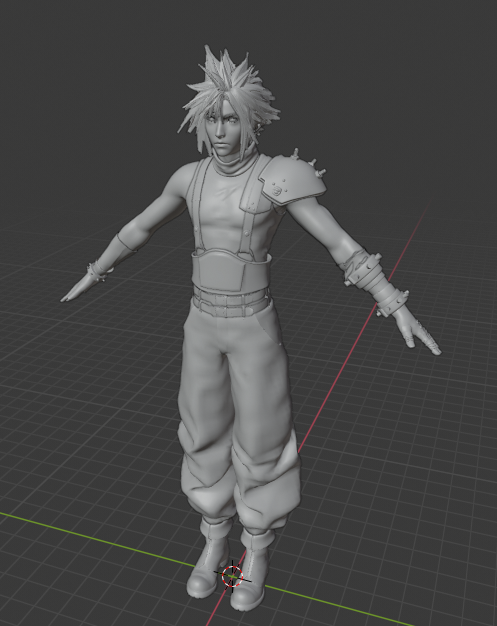
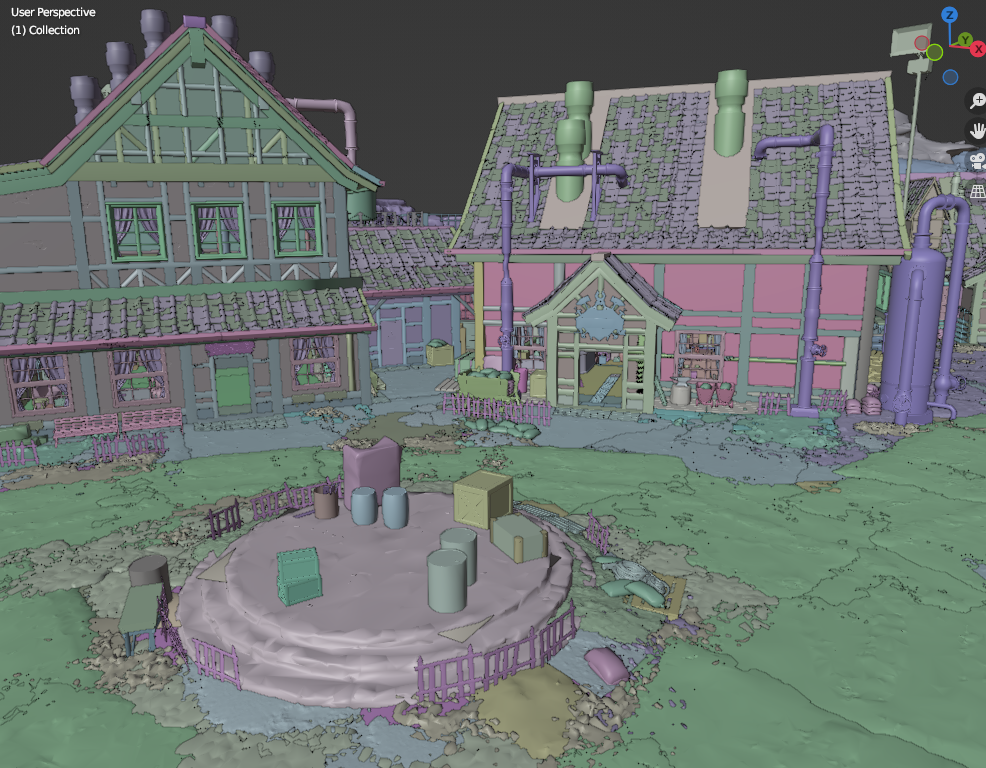
Final Fantasy VII Rebirth tool
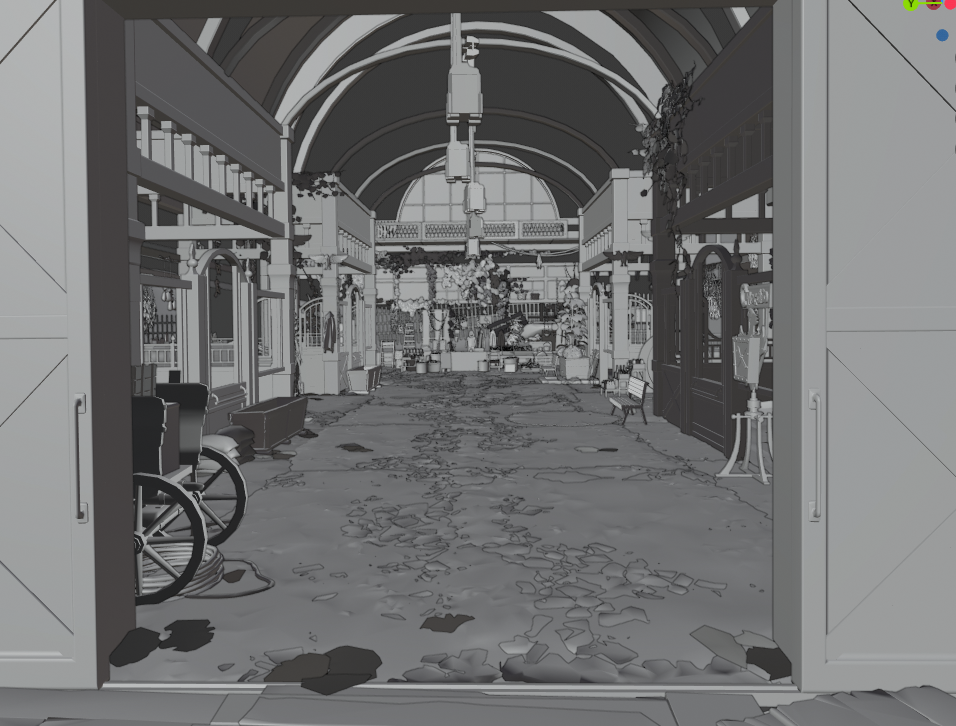
Exports static and skeletal characters, maps (including nanites).
In addition to all DLLs provided here, it requires global.ucas file from the game, it must be in the same folder as .EXE.
Usage is similar to previous FF7remake tool. See below.
Main difference is that nanite maps (using nanites) are exported in DMF format (download blender plugin for it here).
Tool usage:
You can use the tool to convert individual assets, or all assets in a folder.
1. To convert one asset, drop asset file onto the tool, or run the tool from command line with asset filename as parameter.
If asset file contains a texture, it will create "texture.db" file with information for later use in map extraction.
If asset file contains static or skeletal mesh, in will be exported to ASCII. Raw data will also be saved in "staticmesh.raw" & "skeletalmesh.raw" folders for later use in map extraction.
If asset file contains a material, it will export material info in a text file, and create "material.db" file with information for later use in map extraction. If "material.db" file already exists next to the tool, it will be updated with newly found materials.
If asset file contains a blueprint, it will create "blueprint.db" file with information for later use in map extraction. If "blueprint.db" file already exists next to the tool, it will be updated with newly found blueprints.
2. To convert all assets in a folder, place the tool in that folder and run it. Tool will search that folder and all subfolders for .uasset files and try converting them all. When prompted "are you sure?" you can press "enter" to confirm or Ctrl-C to cancel.
3. To convert maps, drop .umap file onto the tool, or run the tool from command line with umap filename as parameter. Current version will extract static meshes, skeletal meshes, blueprint-generated meshes and nanite "terrain streams" from a map.
For map extraction to work, "staticmesh.raw" and "skeletalmesh.raw" folders with previously extracted data must be in the same folder with the tool. If some models will be missing, tool will give messages.
If "blueprint.db" file will be next to the tool, it will try and place all models mentioned in blueprints on the map. There's no proper blueprint support, so some models may be placed incorrectly.
If "texture.db" file will be next to the tool, it will be used to assign proper material names to nanite parts of a map instead of hashes.
Edited by id-daemon
What's New in Version 1.0.1
Released
Fixed a bug that caused very big meshes distortion.
Game Name
-
 9
9
Create an account or sign in to leave a review
There are no reviews to display.