
Skip to content
View in the app

A better way to browse. Learn more.

ResHax

A full-screen app on your home screen with push notifications, badges and more.

To install this app on iOS and iPadOS
  1. Tap the Share icon in Safari
  2. Scroll the menu and tap Add to Home Screen.
  3. Tap Add in the top-right corner.
To install this app on Android
  1. Tap the 3-dot menu (⋮) in the top-right corner of the browser.
  2. Tap Add to Home screen or Install app.
  3. Confirm by tapping Install.
Help us keep the site running.

Dying Light The Beast [PC] models/textures 1.0.0

(0 reviews)

2 Screenshots

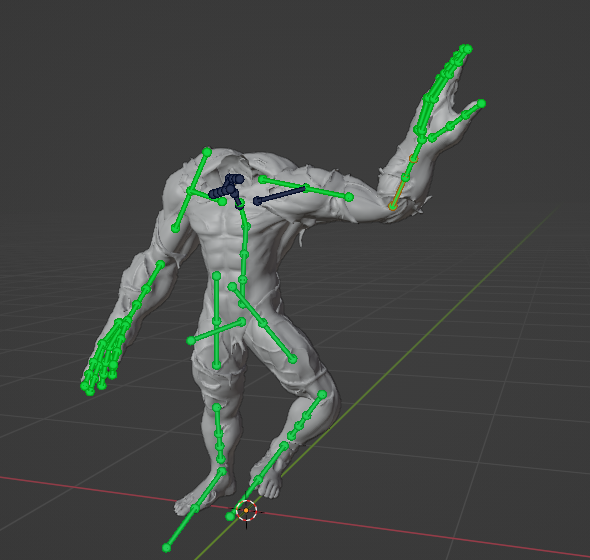
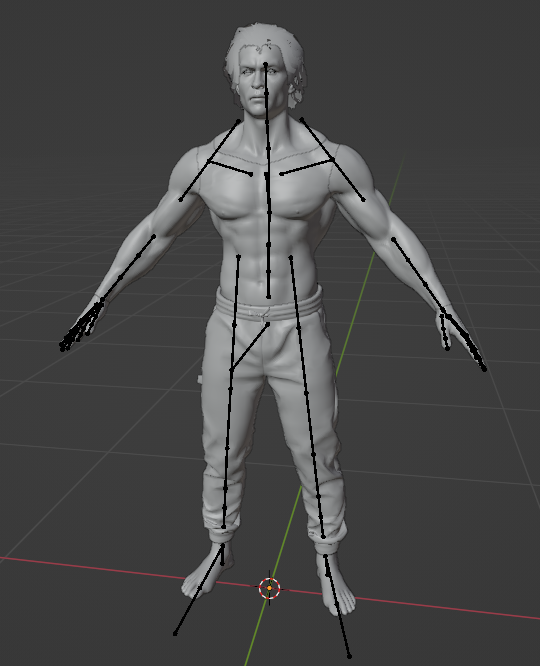
Dying Light [3] The Beast tool, can export models/textures, works same as Dying Light 2 tool:

DyingLight3.exe <rpack_file>

Or just drop rpack onto the tool.

All main textures are in common_textures_0_pc.rpack, GUI images in gui_common_pc.rpack
All models are in common_meshes_pc.rpack


Game Name

Dying Light The Beast

User Feedback

Create an account or sign in to leave a review

There are no reviews to display.

Account

Navigation

Search

Search

Configure browser push notifications

Chrome (Android)
  1. Tap the lock icon next to the address bar.
  2. Tap Permissions → Notifications.
  3. Adjust your preference.
Chrome (Desktop)
  1. Click the padlock icon in the address bar.
  2. Select Site settings.
  3. Find Notifications and adjust your preference.