





Skip to content
View in the app

A better way to browse. Learn more.

ResHax

A full-screen app on your home screen with push notifications, badges and more.

To install this app on iOS and iPadOS
  1. Tap the Share icon in Safari
  2. Scroll the menu and tap Add to Home Screen.
  3. Tap Add in the top-right corner.
To install this app on Android
  1. Tap the 3-dot menu (⋮) in the top-right corner of the browser.
  2. Tap Add to Home screen or Install app.
  3. Confirm by tapping Install.
Help us keep the site running.

ASCII Import-Export Blender Add-on (HFW) Latest

(0 reviews)

4 Screenshots

spacer.png

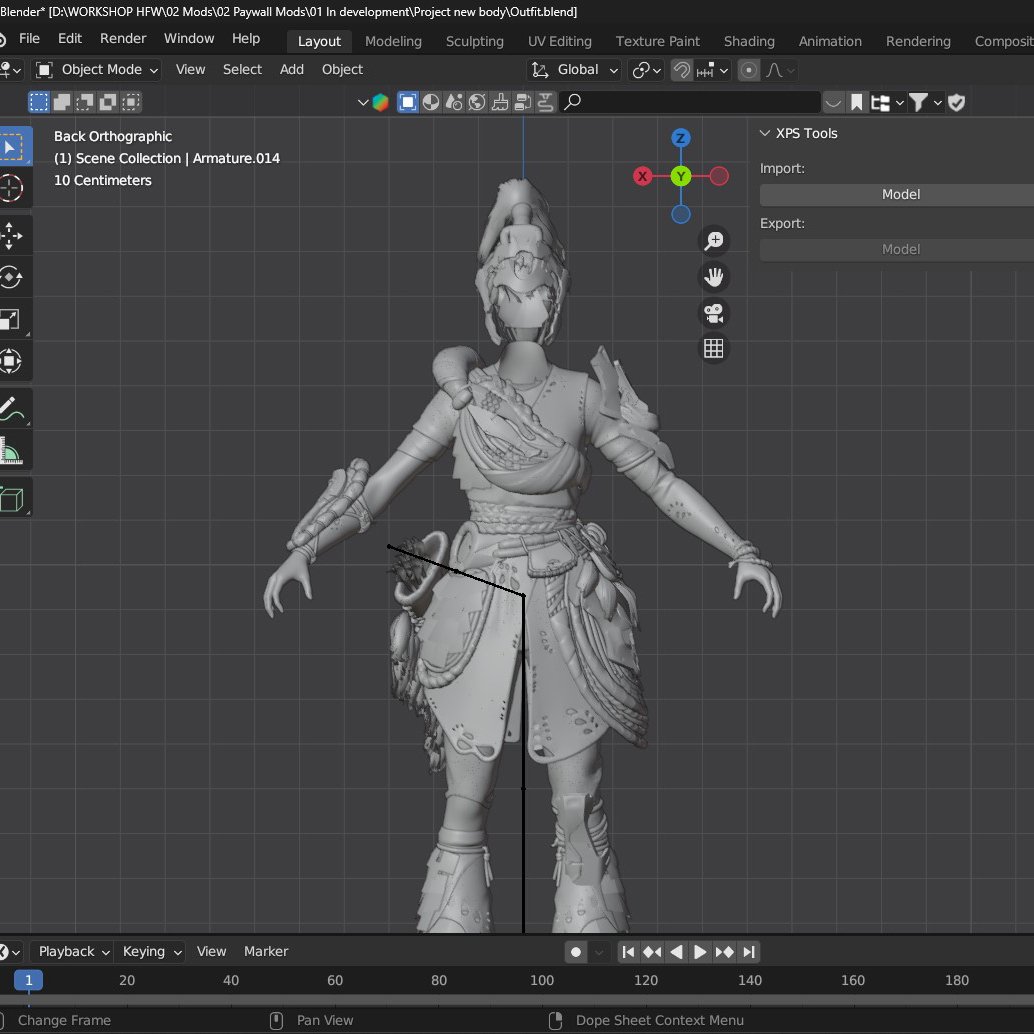
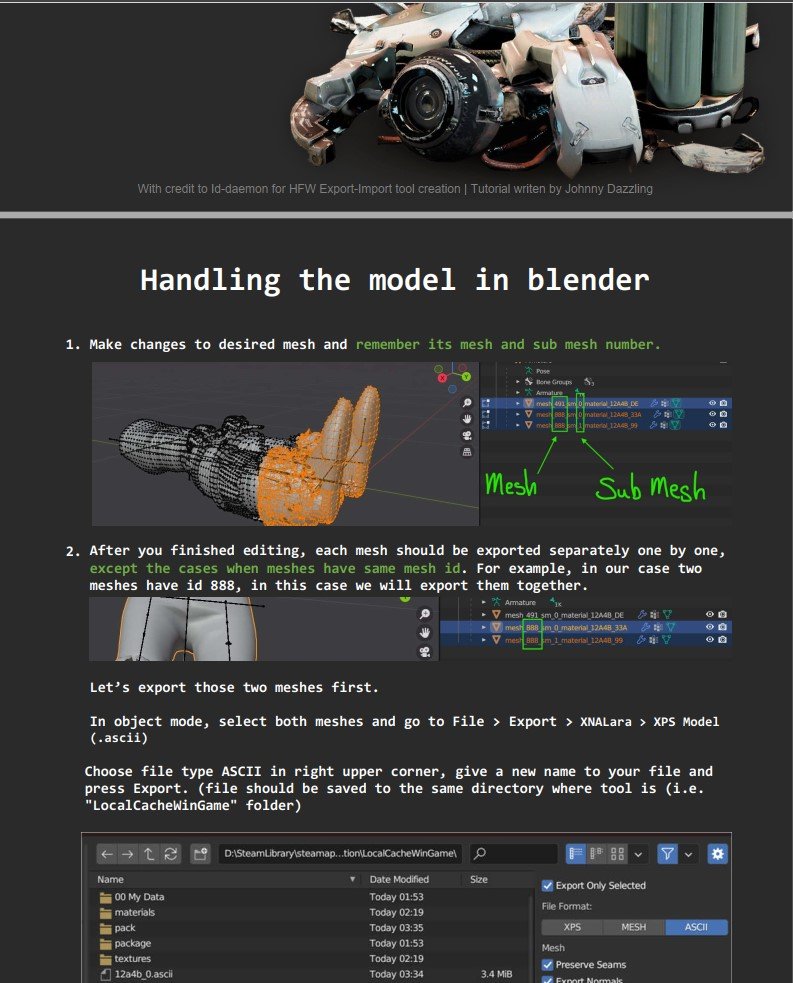
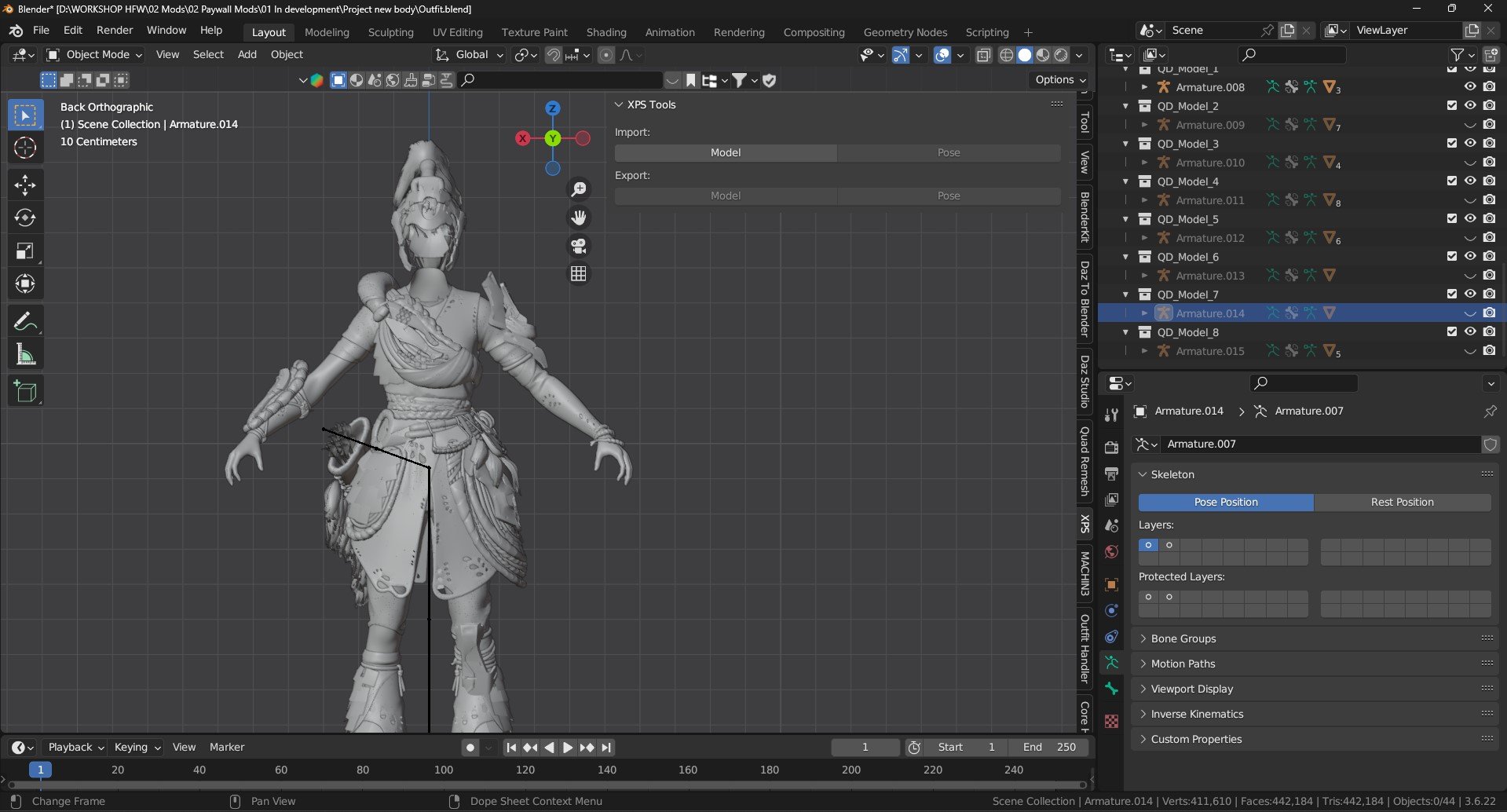
This is a customized XNALaraMesh add-on for Blender, designed to enable accurate import and export of ASCII models from Horizon Forbidden West.
(It is intended for use alongside the Horizon Forbidden West [PC] Model import tool
See related files:
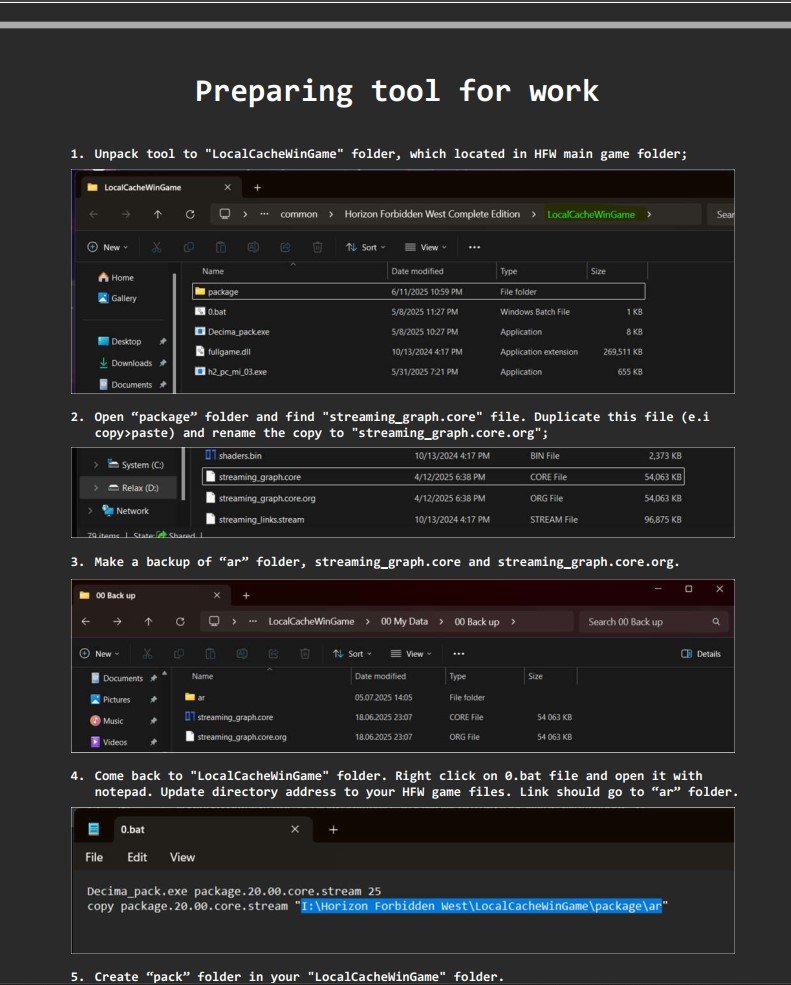
HFW Export-Import Tutorial

XNALaraMesh_HFW_2.0.zip

Edited by Johnny_Dazzling

What's New in Version Latest

Released

No changelog available for this version.


Game Name

Horizon Forbidden West

User Feedback

Create an account or sign in to leave a review

There are no reviews to display.

Account

Navigation

Search

Search

Configure browser push notifications

Chrome (Android)
  1. Tap the lock icon next to the address bar.
  2. Tap Permissions → Notifications.
  3. Adjust your preference.
Chrome (Desktop)
  1. Click the padlock icon in the address bar.
  2. Select Site settings.
  3. Find Notifications and adjust your preference.