
Skip to content
View in the app

A better way to browse. Learn more.

ResHax

A full-screen app on your home screen with push notifications, badges and more.

To install this app on iOS and iPadOS
  1. Tap the Share icon in Safari
  2. Scroll the menu and tap Add to Home Screen.
  3. Tap Add in the top-right corner.
To install this app on Android
  1. Tap the 3-dot menu (⋮) in the top-right corner of the browser.
  2. Tap Add to Home screen or Install app.
  3. Confirm by tapping Install.
Help us keep the site running.

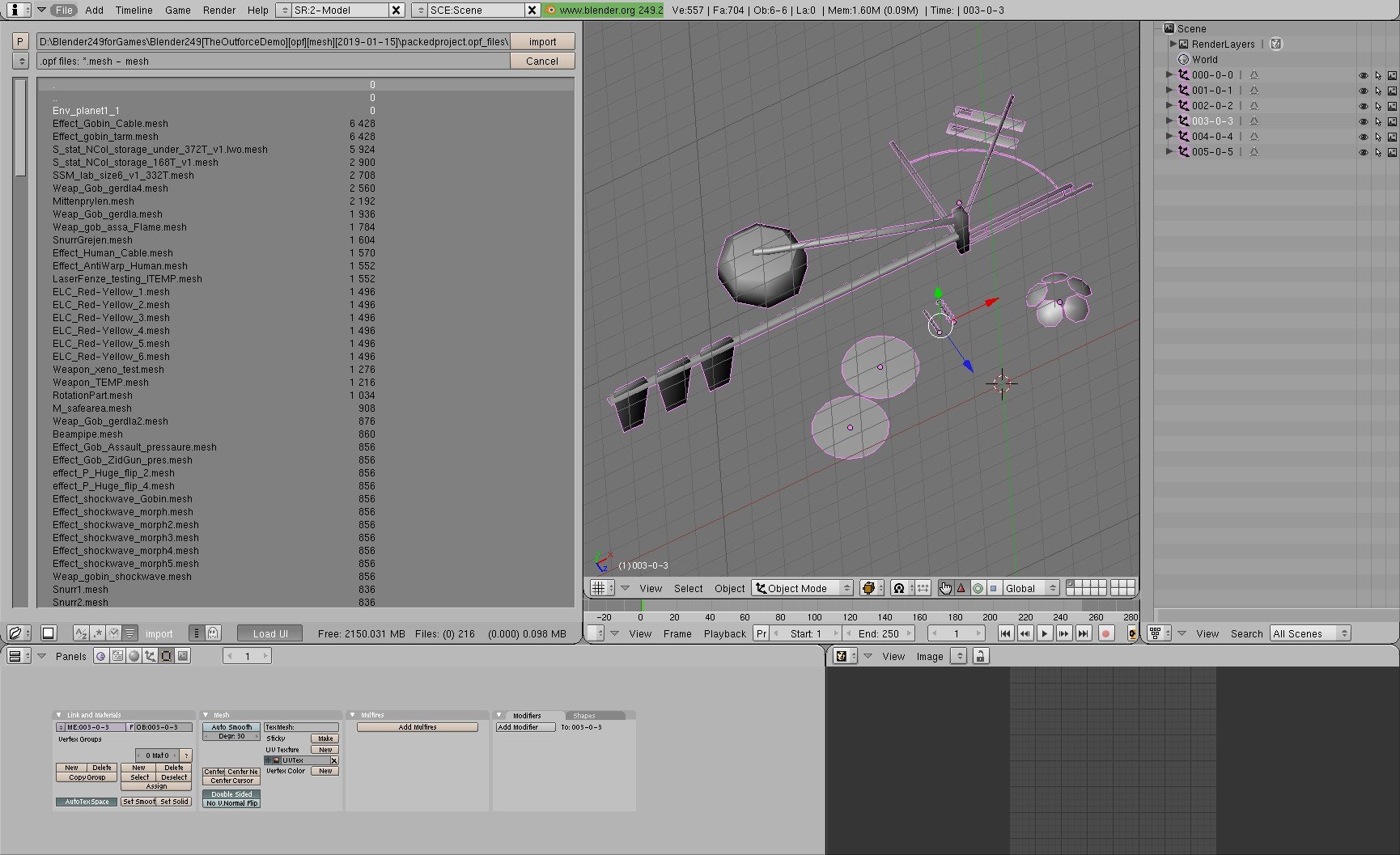
The Outforce meshes extractor 1.0.0

(0 reviews)

1 Screenshot

Mesh extractor for the game "The Outforce".

It was created for the demo version of the PackedProject.opf file, so this program is needed to be updated, although I'm not good at neither python, nor Blender...

It only works for the .CBaseClass files...

This program was not created by me!

*Special thanks to Szkaradek123 for creating the program.

It would be really nice if someone could update it and / or "convert" the Python code to C# or C/C++.

Edited by Krisztian1990
extra info


Game Name

The Outforce

User Feedback

Create an account or sign in to leave a review

There are no reviews to display.

Account

Navigation

Search

Search

Configure browser push notifications

Chrome (Android)
  1. Tap the lock icon next to the address bar.
  2. Tap Permissions → Notifications.
  3. Adjust your preference.
Chrome (Desktop)
  1. Click the padlock icon in the address bar.
  2. Select Site settings.
  3. Find Notifications and adjust your preference.