Search the Community
Showing results for tags 'graphic'.
-
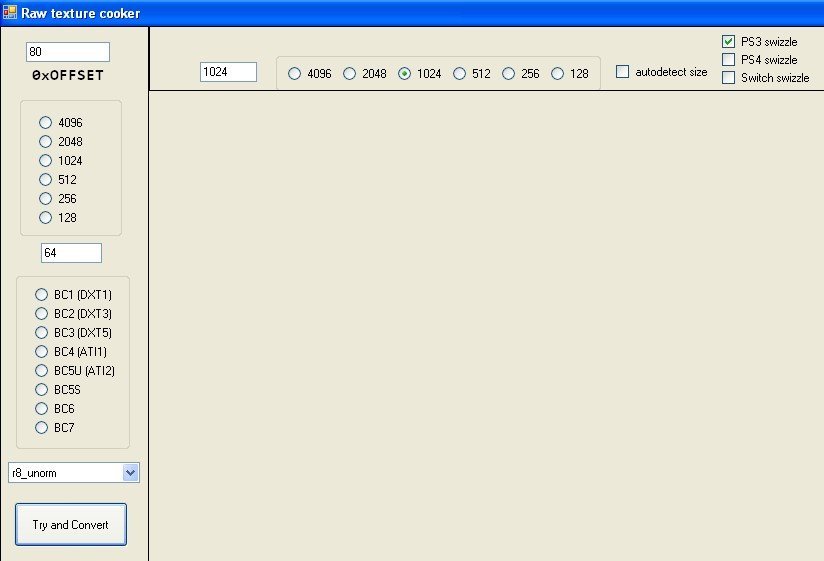
So I just managed to extract the game's very big SDAT file and unfortunately this game uses a unique PSARC format, so I asked Codex to write a python script for me, and it surprisingly works, I promise that I followed Rule 17, While the other graphics for this game extract just fine, it is just the font graphic files that are being a pain, Tools that read GTF files like Imas-Archive can't open these font graphic files, since they use a unique GTF format for the font graphic files, and since the GTF format used for the font graphic files is extremely complex, Codex on Cursor can't write a script to properly extract these font graphic files, and only people who are great at reverse engineering file formats for games can know how to extract them, I have sent a font graphic file compressed to a ZIP file to help people with that, and if you want to try the python script I made with Codex, I also sent it as well, That's all. helvetica24.zip psarc_extractor_gui.py
- 4 replies
-
- book of spells
- font
-
(and 3 more)
Tagged with:
-
[Unity Modding] Image Anisotropic Reproduction help
zigaudrey posted a topic in Graphic file formats
Hello! I was working on a Python script that replace Sprites data with another for Unity games but Unity has another trick in its sleeve. For those who use AssetStudio, you will extract sprites like this (from Dungeon Clawler 2024 Demo): But with a tweak, I found out Unity uses more data to store RGBA32 sprites! Unity uses an Anisotropic filter to enhance the quality. Something that is difficult to replicate with Python and every sprites doesn't follow the same rule! We have to follow them individually. Another example with Clawcula. Interestingly enough, a partial replacement works and those which lack shearing, like the Logo, are easier to replace. Not every sprites use all "layers" which should make things easier. What I replaced with: And here is the original one: Despise the flaw, it's sufficient replacement. I was close to replace the sprites with Animal Crossing cub villagers without using Unity (after the Unity controversy, which lead me to mod Unity games with Python). Video Example: https://drive.google.com/file/d/18L1NBMWRQjwmCnFElAzJ2ww6KMtV2YE9/view?usp=drive_link If you have information on reproducing correctly their Anisotropic effect, feel free to share! Python Scripts: Unity Image Extractor: This extract all sprite data from resource files. Work on RGBA32 and RGB24. Don't forget to create a new folder, I don't know how to make the script allow you to choose one. Unity Image Extractor Script FINAL.py Unity Image Replacer: This replace all sprites with those from the batch. Although it works for RGBA32 and RGB24, it works better for the latter. Unity Image Replacer Script FINAL.py Unity Ano Simulate (Work in Progress): An attempt to simulate the Anisotropic effect for a bulk. Work best for no shear one. Unity Ano Simulate Script (Bulk) with Shear.py-
- 1
-
-
- anisotropic
- graphic
-
(and 3 more)
Tagged with:
ResHax.com: Empowering Curious Minds in the World of Reverse Engineering
Delving into the Art of Code Unraveling: ResHax.com - Your Gateway to the Thrilling World of Reverse Engineering, Where Curiosity Meets Innovation!