





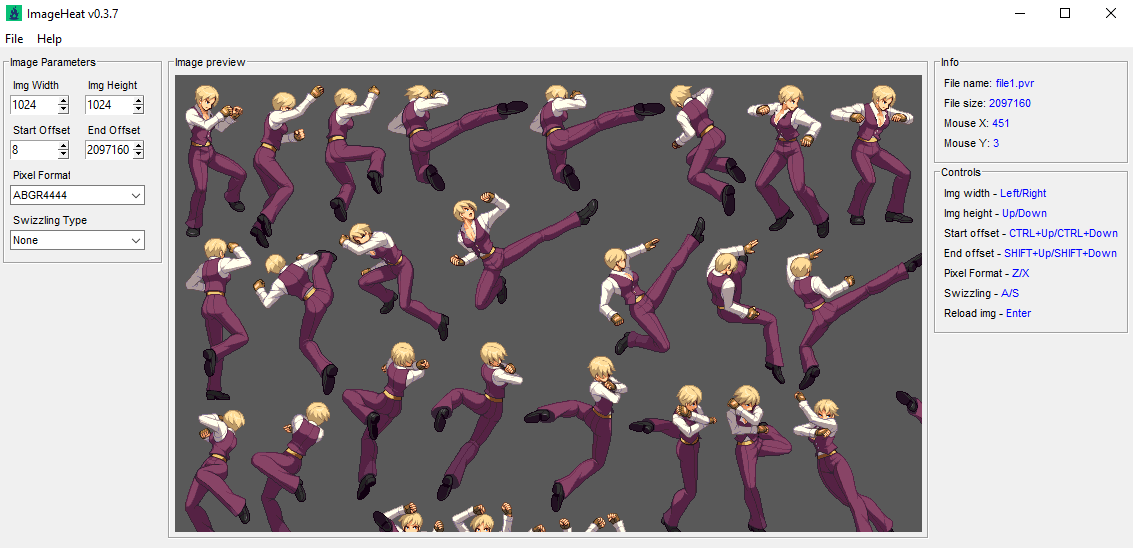
ImageHeat is a program for viewing encoded textures. It's free and open source.
What's New in Version 0.9.3
Released
Changelog:
- Added zoom resampling combobox in post-processing box (Added support for other resampling options like "Box", "Bilinear", "Hamming", "Bicubic", "Lanczos")
- Set "Nearest neighbour" as default zoom resampling option
- Added shortcut (Q/W) for halving/doubling image width
- Changed endianess shortcut to (E)
- Added menu option to save currently visible raw data. Also available to do with a new shortcut (CTRL+D)
- Removed logic to automatically calculate width/height when opening another image
- Added shortcut for zoom in and zoom out (Mouse wheel)
- Fixed bug with Pixel X/Y coordinates when using post-processing options
- Boosted up performance for all current and future 24/48-bit pixel formats (Should be up to 8x faster thanks to dropping rawutil dependency, see [Rawutil Issue #5](https://github.com/Tyulis/rawutil/issues/5) for more details)
- Added new shortcut (SHIFT-Up/SHIFT-Down) for stepping up and down by row
- Removed shortcut for changing end offset
- Replaced shortcut for changing start offset with shortcut for stepping-up/down by a byte (CTRL+Up/CTRL-Down)
- Added support for new pixel formats: BGRA5551, BGRX5551, ABGR4444, XBGR4444, PAL16_RGBA8888
- Switched to new graphics API. Fixed preview for all 16-bit pixel formats (See [Issue #3](https://github.com/bartlomiejduda/ImageHeat/issues/3) for more details)
- Changed position of "Start Offset" and "End Offset" GUI elements
Game Name
-
 3
3
-
 2
2
Create an account or sign in to leave a review
There are no reviews to display.