Jump to content

Search the Community

Showing results for tags 'wolfenstein'.

  • Search By Tags

    Type tags separated by commas.
  • Search By Author

Content Type


Forums

  • Game Modding
    • Tutorials
    • 3D/2D models
    • Audio file formats
    • Graphic file formats
    • Animation file formats
    • Video file formats
    • Misc file formats
    • Game engine file formats
    • Game Archive
    • Compressed files and methods
    • Code Talk
    • Game Localization
  • Game Tools Support
    • Applications/Tools
    • Scripts or Other Utilities
  • QuickBMS
    • Releases
    • Discussion and Help

Product Groups

There are no results to display.


Find results in...

Find results that contain...


Date Created

  • Start

    End


Last Updated

  • Start

    End


Filter by number of...

Joined

  • Start

    End


Group


About Me

Found 14 results

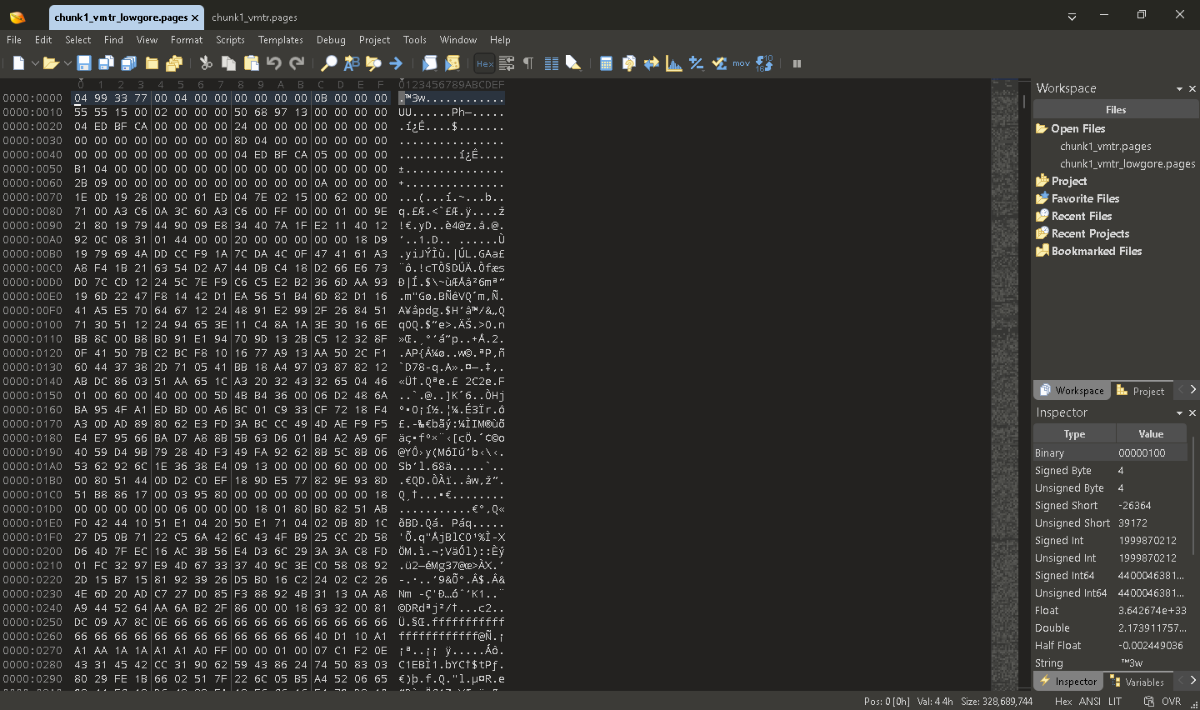
  1. I need your help with these Pages files. I have two example Pages files: 1. normal and 2. low gore edition. 1. NORMAL2. LOWGORE
  2. Can someone help me with .texdb files? NC .texdb files YB .texdb files
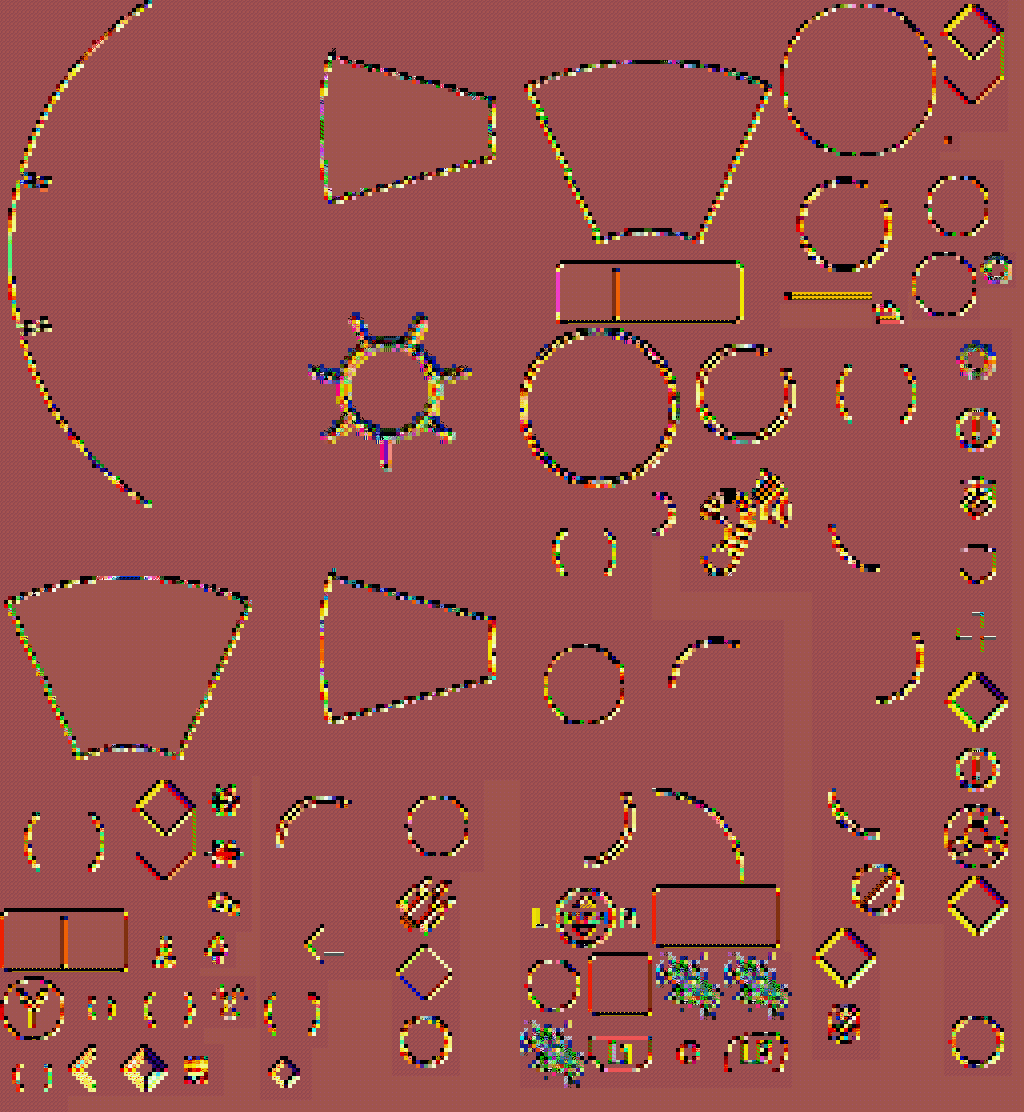
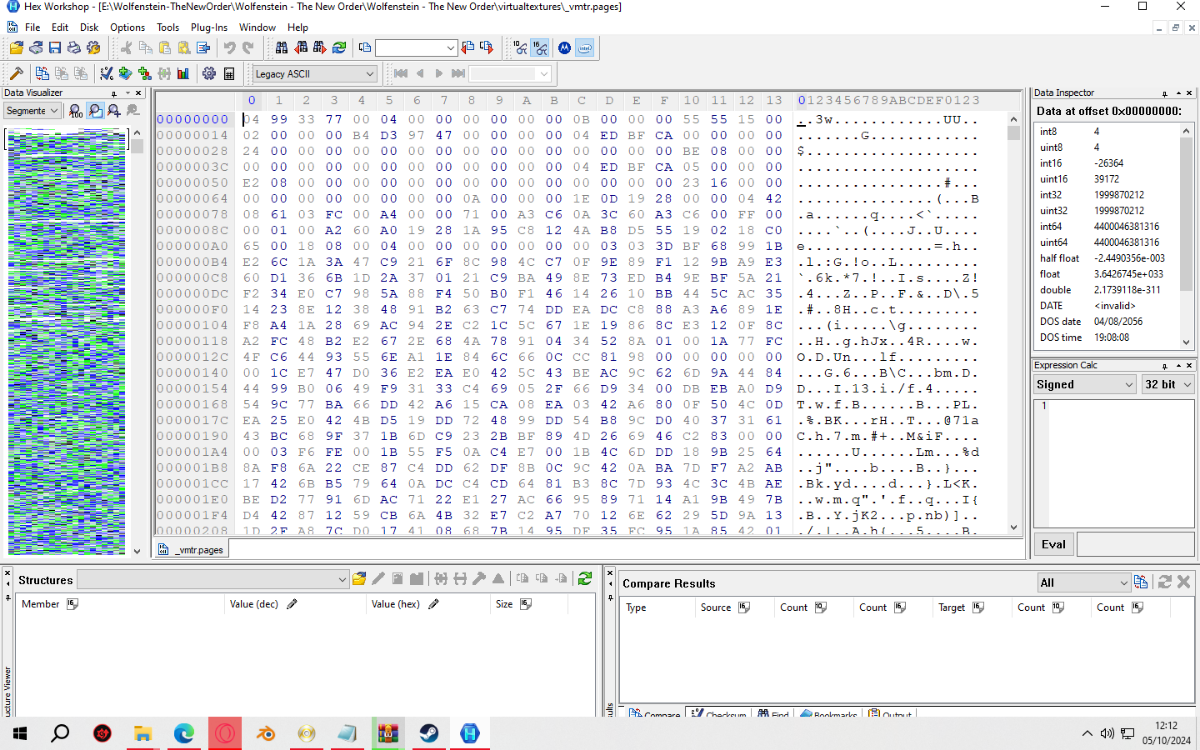
  3. The vtex method works flawlessly extracts massive Virtualtextures but requires Windows 7 Virtual Machine, with disabled ASLR (MoveImages=0), VCRuntime library and Hundreds of Terabytes of space for Level architecture textures. c0p0-c12p3.pages = Level Architecture Textures (Warning: Large baked single world texture, up to 128,000x128,000) chunk0_vmtr-chunk8_vmtr.pages = NPC/Weapon/Pickup texture _vmtr.pages = Shared textures that are used multiple times across all chapters virtualtextures.zip
  4. i just found two bulids for wolfenstein the new order. the files two bulids are different
  5. Drag and drop .md6mesh files into the script it will convert them into obj files. md6mesh.py md6mesh.zip
  6. Drag and drop .pack files into this script, it will unpack all the .wem and .bnk audio files. Drag and drop all of the .wem and .bnk files into the Game Files folder from the Wwise-Unpacker-1.0.3 directory, run the either into MP3 or OGG BAT-converter. wolfenstein_2_resources.py Wwise-Unpacker-1.0.3.zip
  7. I've almost finished extracting Wolfenstein: The New Colossus .bimage files, the structure again is very resembling the previous one, hovewer I noticed that this time .bimages were very, very rarely used in game at all. This is what I was capable of extracting instantly after looking at... The structure: [Little-Endain] 0x0-0x3 = File signature ("42 49 4D 0E", BIM) 0x0C = Width 0x10 = Height 0x52 = Payload
  8. Drag and drop .resources files into this script, it will extract all of the assets from there (.texdb files not implemented yet). Nest steps: .MD6MESH - https://reshax.com/topic/18614-wolfenstein-the-new-colossus-md6mesh-files/ .BIMAGE/.TGA - https://reshax.com/topic/18617-wolfenstein-the-new-colossus-bimage/#comment-101572 .PACK (.WEM .BNK) - https://reshax.com/topic/18618-wolfenstein-the-new-colossus-pack-containers-wem-and-bnk-files/#comment-101573 wolfenstein_2_resources.py wolfenstein_2_resources.zip
  9. Drag and drop .resources files into the script this will extract all of it's content from there. (Developed for the Reloaded exe version, no errors there) Next Steps: BMD6MODEL/BMODEL - https://reshax.com/topic/18566-wolfenstein-the-new-order-wolfenstein-the-old-blood-bmd6modelbmodel-files/#comment-101213 BIMAGE - https://reshax.com/topic/18567-wolfenstein-the-new-order-wolfenstein-the-old-blood-bimage-files/#comment-101214 STREAMED.RESOURCES - https://reshax.com/topic/18568-wolfenstein-the-new-order-wolfenstein-the-old-blood-streamedresources/#comment-101215 VIRTUALTEXTURES - https://reshax.com/topic/18569-wolfenstein-the-new-order-wolfenstein-the-old-blood-pages-virtualtextures/#comment-101216 wolfesntein_resources.py wolfesntein_resources.zip
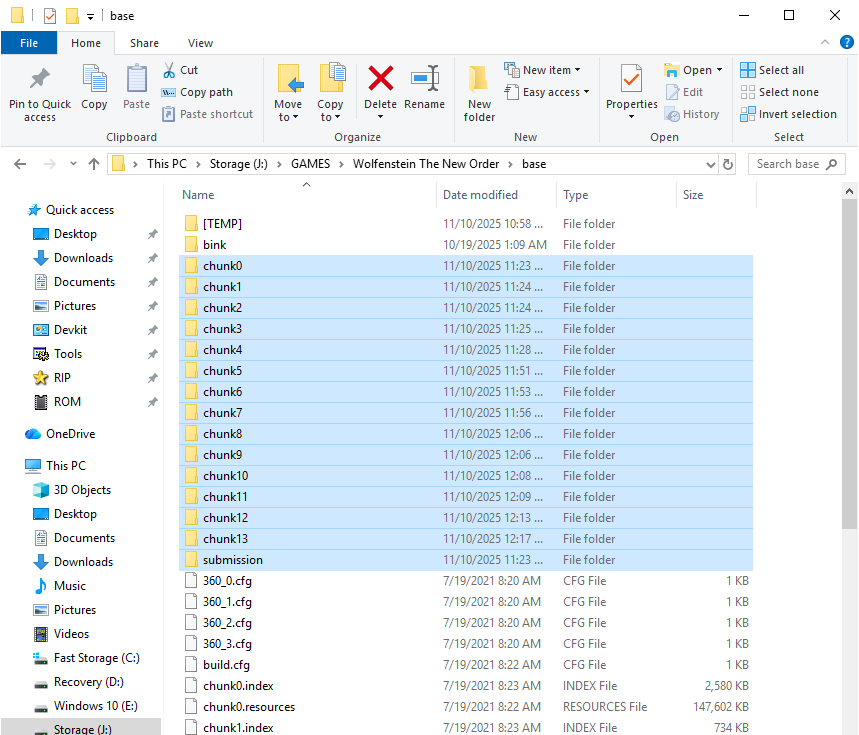
  10. two images: .pages and another is the location of all structures .pages files but I am beginner BMS Scripting complex mode to extract to grab textures. help me please.
  11. Drag and drop .index files into the script, it will automatically parse streamed.resources and extract sounds. streamed.py streamed.zip
  12. Drag and drop your bimage files into the script and it will convert it into PNG files. bimage.py bimage.zip
  13. Drag and drop your .bmd6model files into the tool and it will convert it into multiple OBJ parts, game-ready. bmd6model.py bmd6model.zip bmodel.py bmodel.zip
  14. this is .pages lowgore for example Can someone teach me how to create a QuickBMS script for virtual textures in idTech 5 games? Wolfenstein German version for example.
×
×
  • Create New...