




Skip to content
View in the app

A better way to browse. Learn more.

ResHax

A full-screen app on your home screen with push notifications, badges and more.

To install this app on iOS and iPadOS
  1. Tap the Share icon in Safari
  2. Scroll the menu and tap Add to Home Screen.
  3. Tap Add in the top-right corner.
To install this app on Android
  1. Tap the 3-dot menu (⋮) in the top-right corner of the browser.
  2. Tap Add to Home screen or Install app.
  3. Confirm by tapping Install.
Help us keep the site running.

1886.rar 1.0.0

(0 reviews)

5 Screenshots

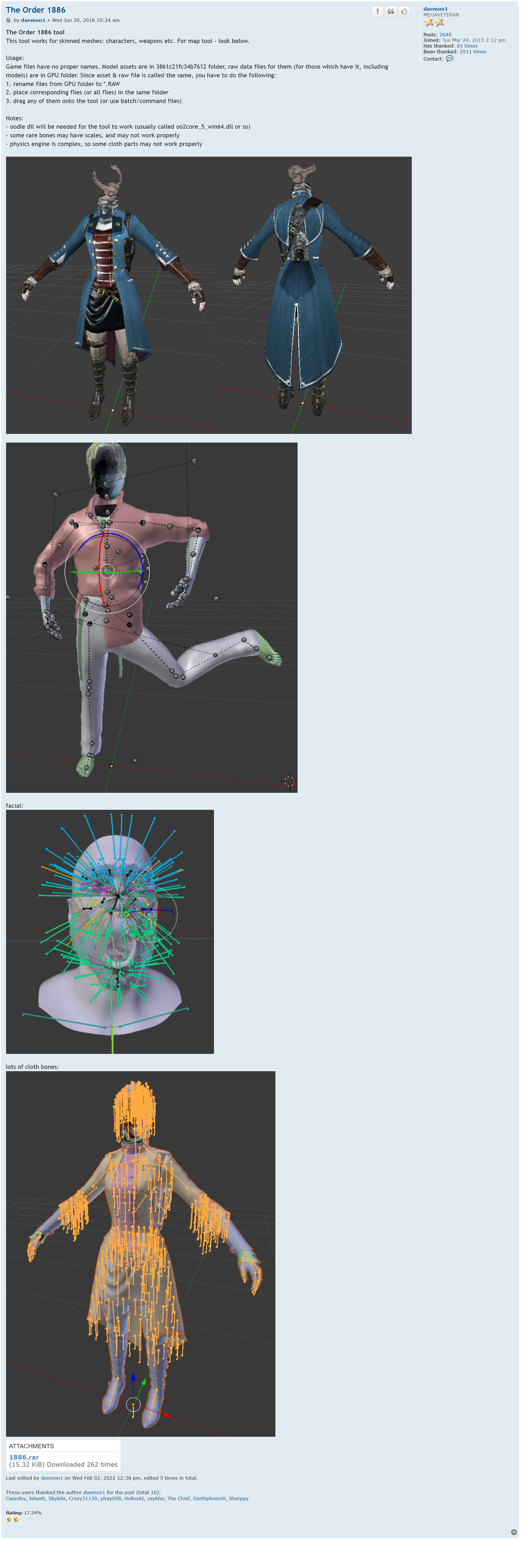
The Order 1886

Post by daemon1 » Wed Jun 20, 2018 10:24 am

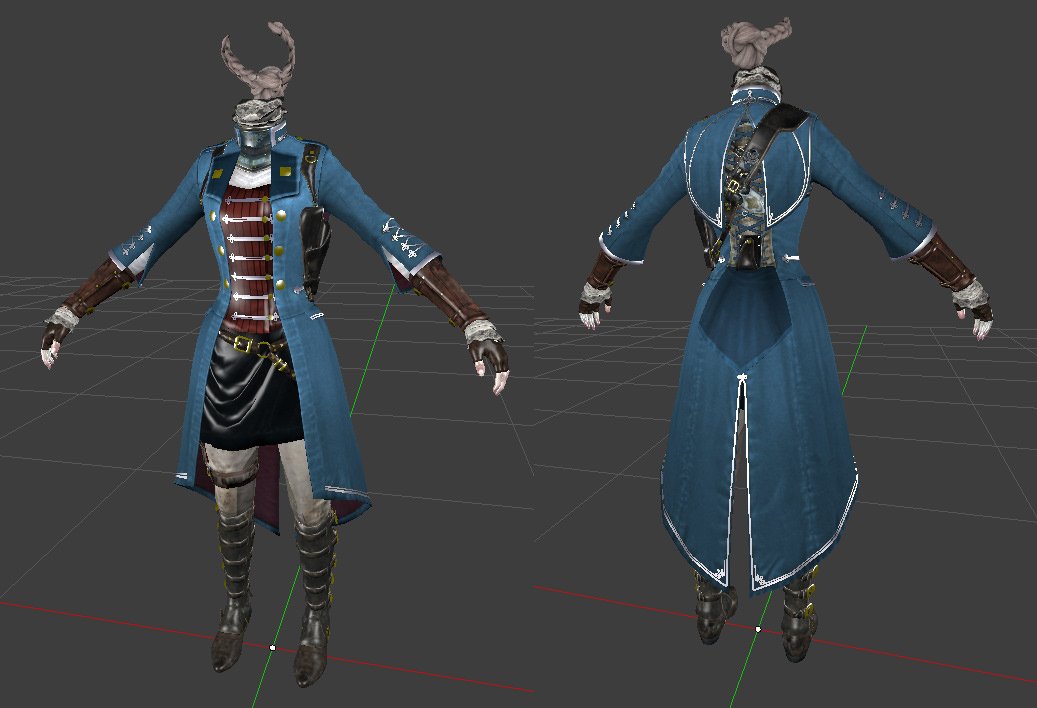
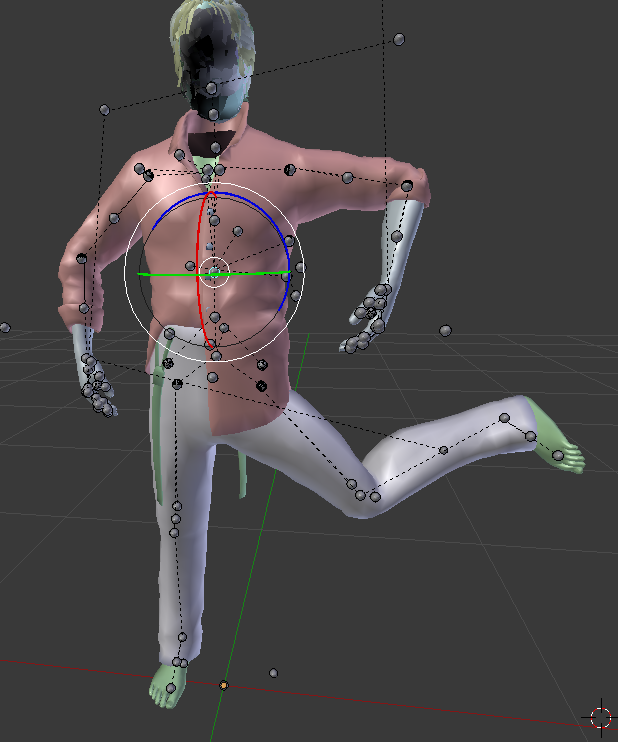
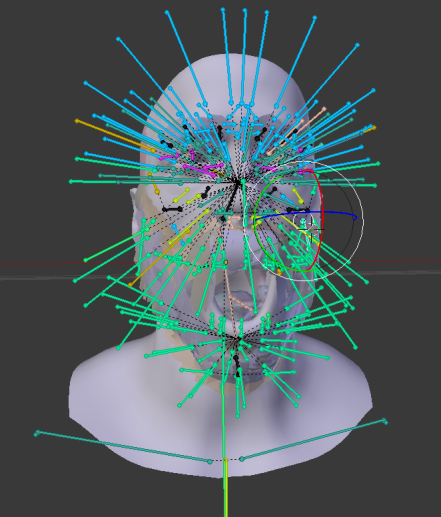
The Order 1886 tool
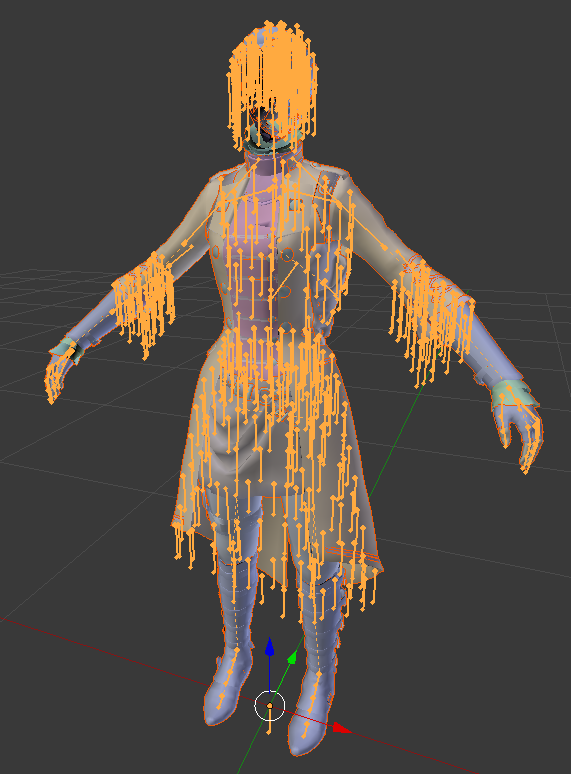
This tool works for skinned meshes: characters, weapons etc. For map tool - look below.

Usage:
Game files have no proper names. Model assets are in 3861c21fc34b7612 folder, raw data files for them (for those which have it, including models) are in GPU folder. Since asset & raw file is called the same, you have to do the following:
1. rename files from GPU folder to *.RAW
2. place corresponding files (or all files) in the same folder
3. drag any of them onto the tool (or use batch/command files)

Notes:
- oodle dll will be needed for the tool to work (usually called oo2core_5_win64.dll or so)
- some rare bones may have scales, and may not work properly
- physics engine is complex, so some cloth parts may not work properly


Game Name

The Order 1886

User Feedback

Create an account or sign in to leave a review

There are no reviews to display.

Account

Navigation

Search

Search

Configure browser push notifications

Chrome (Android)
  1. Tap the lock icon next to the address bar.
  2. Tap Permissions → Notifications.
  3. Adjust your preference.
Chrome (Desktop)
  1. Click the padlock icon in the address bar.
  2. Select Site settings.
  3. Find Notifications and adjust your preference.