





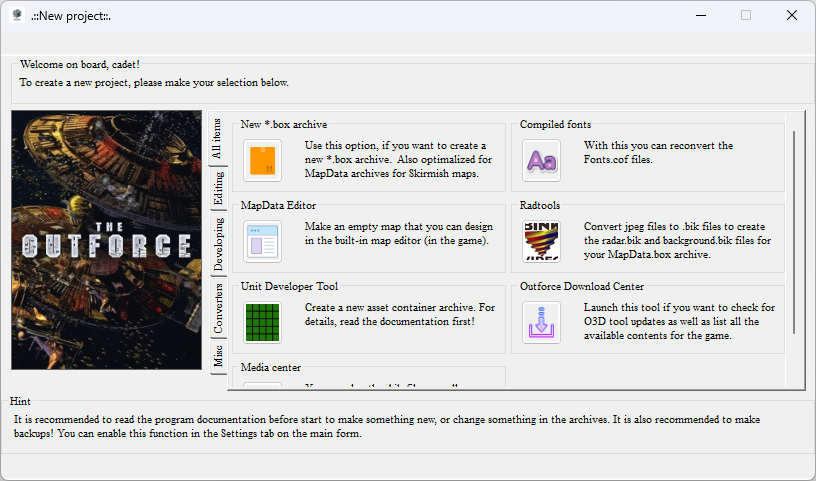
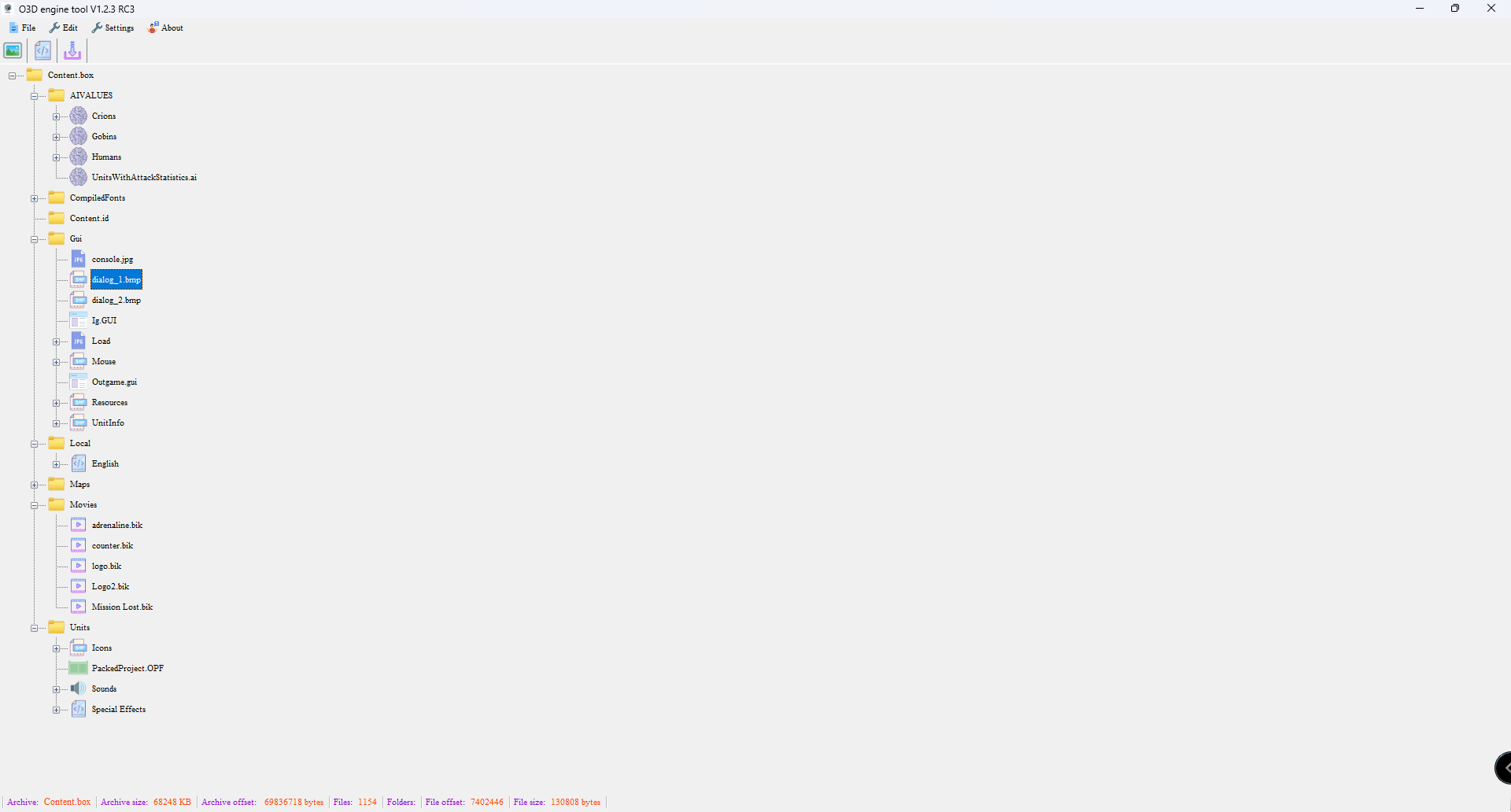
This program was designed for the asset container archives (*.box and *.opf).
With this tool you can directly access the contents of these archives, extract them,
build them.
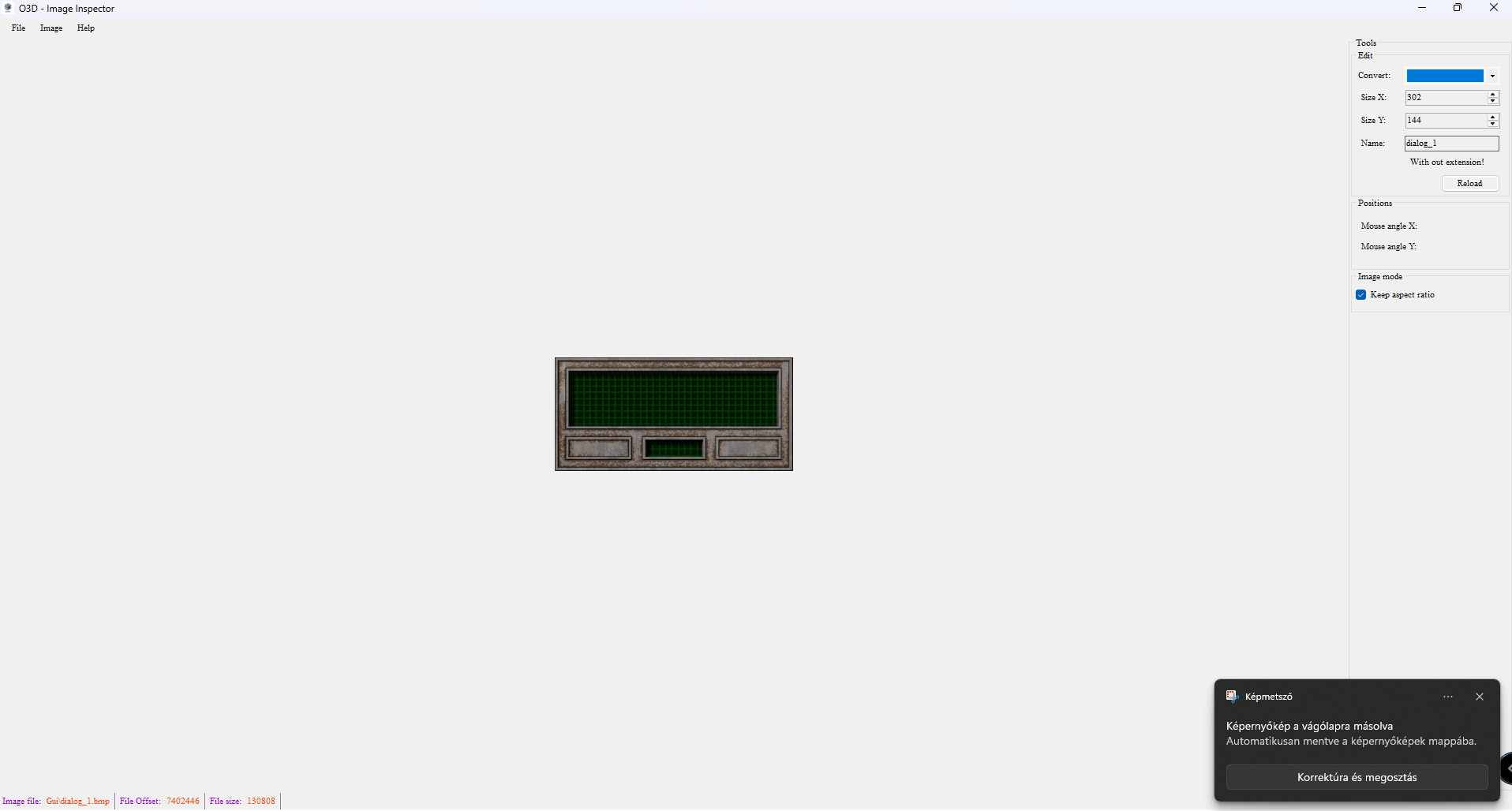
You can open images, scriptfiles via my tool stored in the archive with out any
extraction. In addition, you can export the script files too and use them in your
- for example- new maps.
Regarding script files you can read, edit and save them at specific destination.
Edited by Krisztian1990
Updated version
What's New in Version 1.2.3 RC3
Released
This program was designed for the asset container archives (*.box and *.opf).
With this tool you can directly access the contents of these archives, extract them,
build them.
You can open images, scriptfiles via my tool stored in the archive with out any
extraction. In addition, you can export the script files too and use them in your
- for example- new maps.
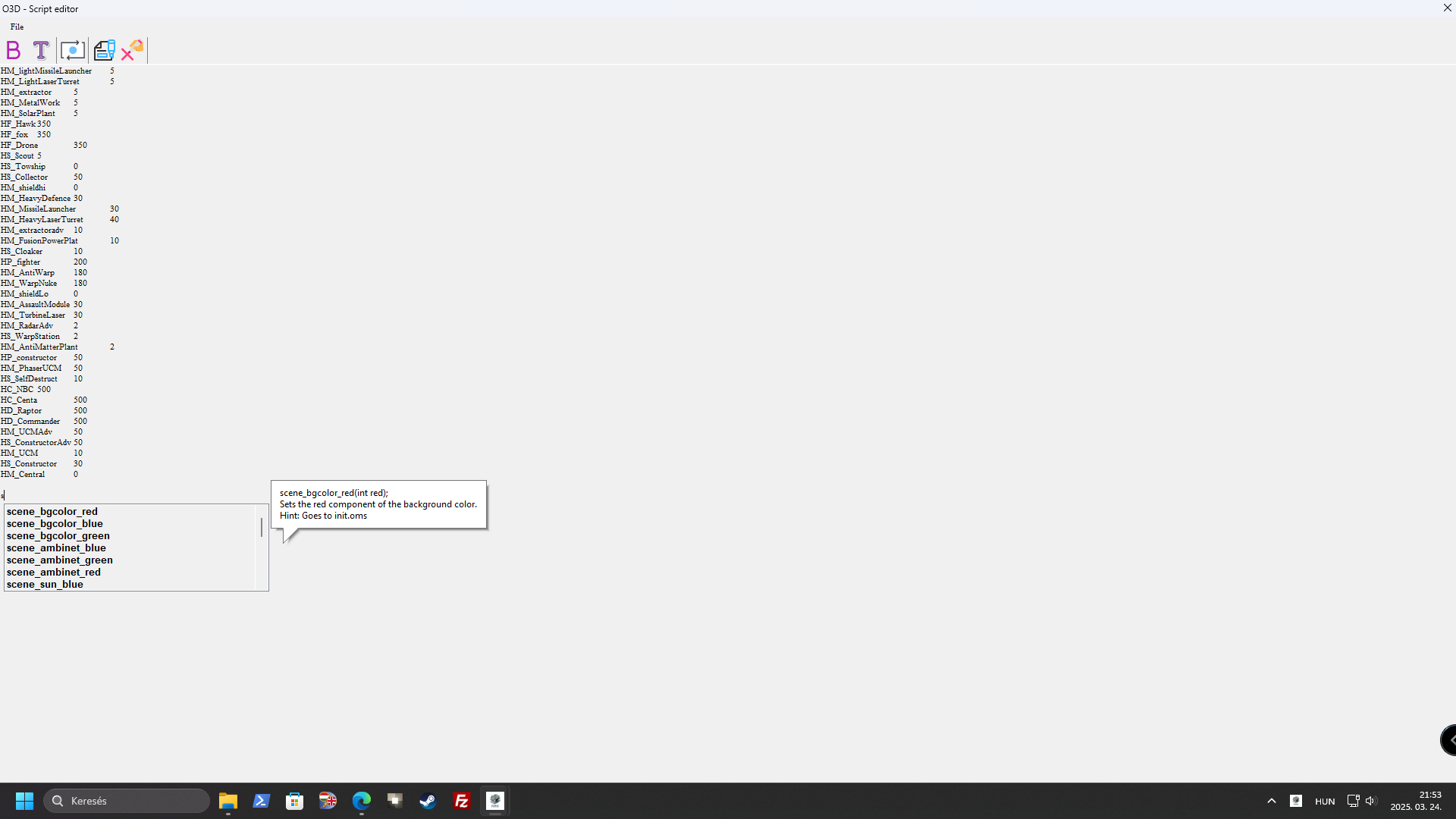
This version of the program has a built-in syntax-checker and suggestionbox
containing all the available command that might be useful when scripting.
Regarding script files you can read, edit and save them at specific destination.
Game Name
-
 1
1
Create an account or sign in to leave a review
There are no reviews to display.