
Search the Community
Showing results for tags 'id tech 5'.
Found 5 results
-
 The vtex method works flawlessly extracts massive Virtualtextures but requires Windows 7 Virtual Machine, with disabled ASLR (MoveImages=0), VCRuntime library and Hundreds of Terabytes of space for Level architecture textures. c0p0-c12p3.pages = Level Architecture Textures (Warning: Large baked single world texture, up to 128,000x128,000) chunk0_vmtr-chunk8_vmtr.pages = NPC/Weapon/Pickup texture _vmtr.pages = Shared textures that are used multiple times across all chapters virtualtextures.zip
-
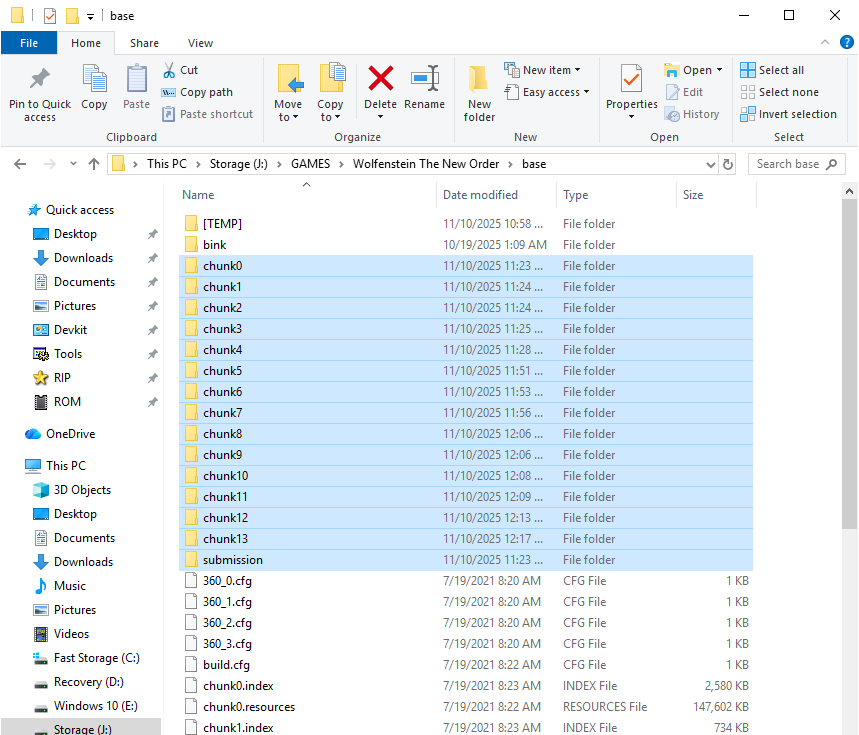
Drag and drop .resources files into the script this will extract all of it's content from there. (Developed for the Reloaded exe version, no errors there) Next Steps: BMD6MODEL/BMODEL - https://reshax.com/topic/18566-wolfenstein-the-new-order-wolfenstein-the-old-blood-bmd6modelbmodel-files/#comment-101213 BIMAGE - https://reshax.com/topic/18567-wolfenstein-the-new-order-wolfenstein-the-old-blood-bimage-files/#comment-101214 STREAMED.RESOURCES - https://reshax.com/topic/18568-wolfenstein-the-new-order-wolfenstein-the-old-blood-streamedresources/#comment-101215 VIRTUALTEXTURES - https://reshax.com/topic/18569-wolfenstein-the-new-order-wolfenstein-the-old-blood-pages-virtualtextures/#comment-101216 wolfesntein_resources.py wolfesntein_resources.zip
-
Drag and drop .index files into the script, it will automatically parse streamed.resources and extract sounds. streamed.py streamed.zip
-
Drag and drop your bimage files into the script and it will convert it into PNG files. bimage.py bimage.zip
-
Drag and drop your .bmd6model files into the tool and it will convert it into multiple OBJ parts, game-ready. bmd6model.py bmd6model.zip bmodel.py bmodel.zip
.png.df5ab42dbc58ebe24b82b3704308b8d3.png)
.png.f0540a34a252abf8459791841a75a64c.png)
.png.4745b2c67a9256fd02b72143beea029d.png)

.png.ccf09f34bfa6b931b357fdc6d96ded37.png)


.png.b9bb9f9c20be8fc9937cdcb39f97564c.png)