
Search the Community
Showing results for tags 'id tech 6'.
Found 4 results
-
Drag and drop .md6mesh files into the script it will convert them into obj files. md6mesh.py md6mesh.zip

-
 Drag and drop .pack files into this script, it will unpack all the .wem and .bnk audio files. Drag and drop all of the .wem and .bnk files into the Game Files folder from the Wwise-Unpacker-1.0.3 directory, run the either into MP3 or OGG BAT-converter. wolfenstein_2_resources.py Wwise-Unpacker-1.0.3.zip
-
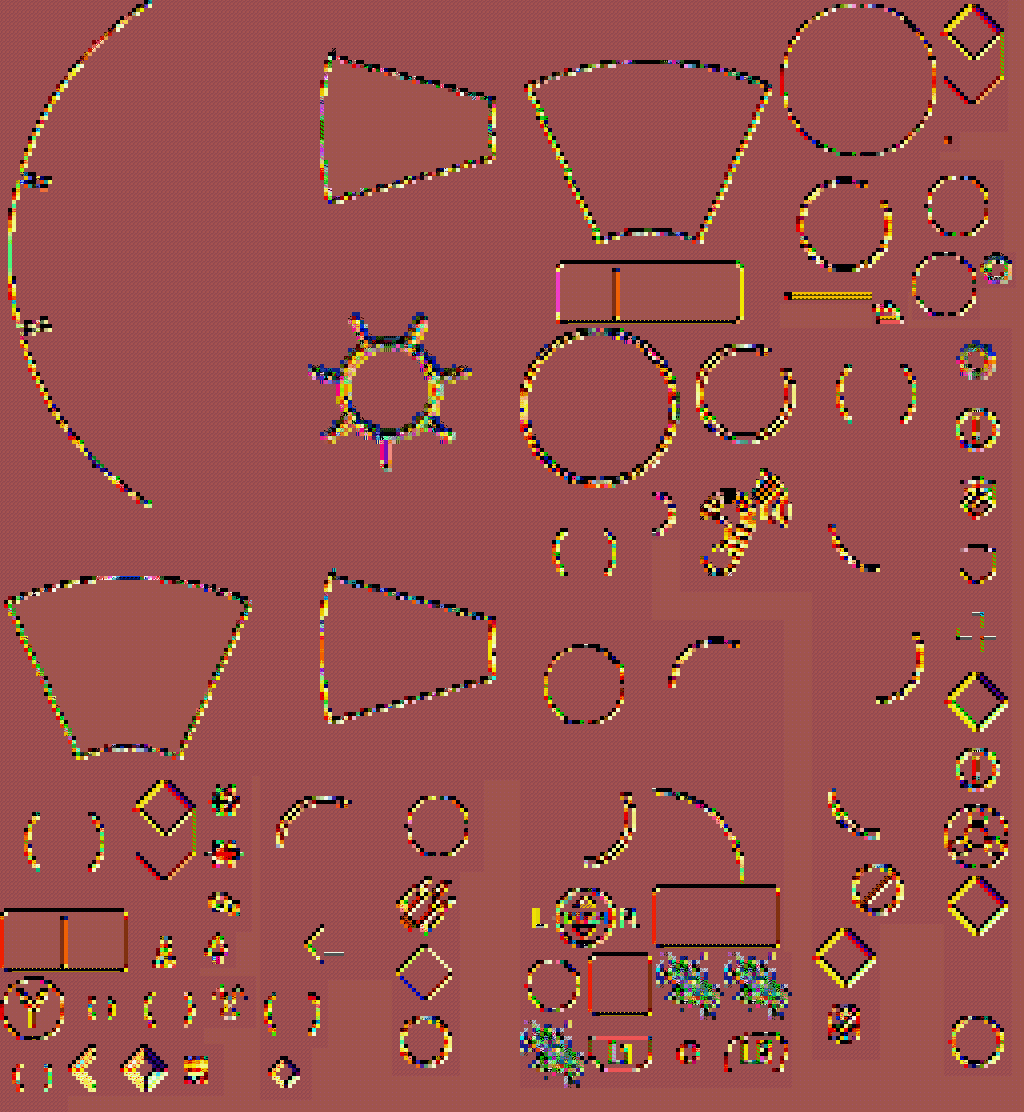
I've almost finished extracting Wolfenstein: The New Colossus .bimage files, the structure again is very resembling the previous one, hovewer I noticed that this time .bimages were very, very rarely used in game at all. This is what I was capable of extracting instantly after looking at... The structure: [Little-Endain] 0x0-0x3 = File signature ("42 49 4D 0E", BIM) 0x0C = Width 0x10 = Height 0x52 = Payload
-
Drag and drop .resources files into this script, it will extract all of the assets from there (.texdb files not implemented yet). Nest steps: .MD6MESH - https://reshax.com/topic/18614-wolfenstein-the-new-colossus-md6mesh-files/ .BIMAGE/.TGA - https://reshax.com/topic/18617-wolfenstein-the-new-colossus-bimage/#comment-101572 .PACK (.WEM .BNK) - https://reshax.com/topic/18618-wolfenstein-the-new-colossus-pack-containers-wem-and-bnk-files/#comment-101573 wolfenstein_2_resources.py wolfenstein_2_resources.zip
.png.370ab7bc8da22e3022ea6bb7d94cf154.png)


.png.9b08304262ae359ed19d073939f5a51e.png)
.png.c8c2fc834c55e374073ccb22bc492e97.png)
.png.10d8f98d25c93338d0d9941a56af370e.png)